

Creality Falcon A1 Pro 20W Laser Engraver, Full Enclosed 180W Output Laser Engraver Machine, Touch Screen, Auto Focus, APP Control, Pre-Assembled, Ideal for Wood and Metal, Class 1 Safety
$1,099.00
Related Products




From the brand

Creality Falcon A1 Series
High Precision, More Efficiency, Easy Operation
Many Buyer Choosed
High Quality Laser Engraver
Laser Engraver Accessories
3D Printer Accessories
High-speed 3D Printer
3D Resin Printer
3D Printer Filament

Creality 3D Technology Co., Ltd. focuses on the design, research, production of 3D printers and 3D printing related products. Consisting of professional researchers and skilled engineers, our R&D team constantly strives for creative function and excellent user experience.
The R&D investments on 3d printing cover FDM/resin 3D printers, 3D scanners, filaments, resin, as well as 3D printed drones and robots that back up STEAM education.

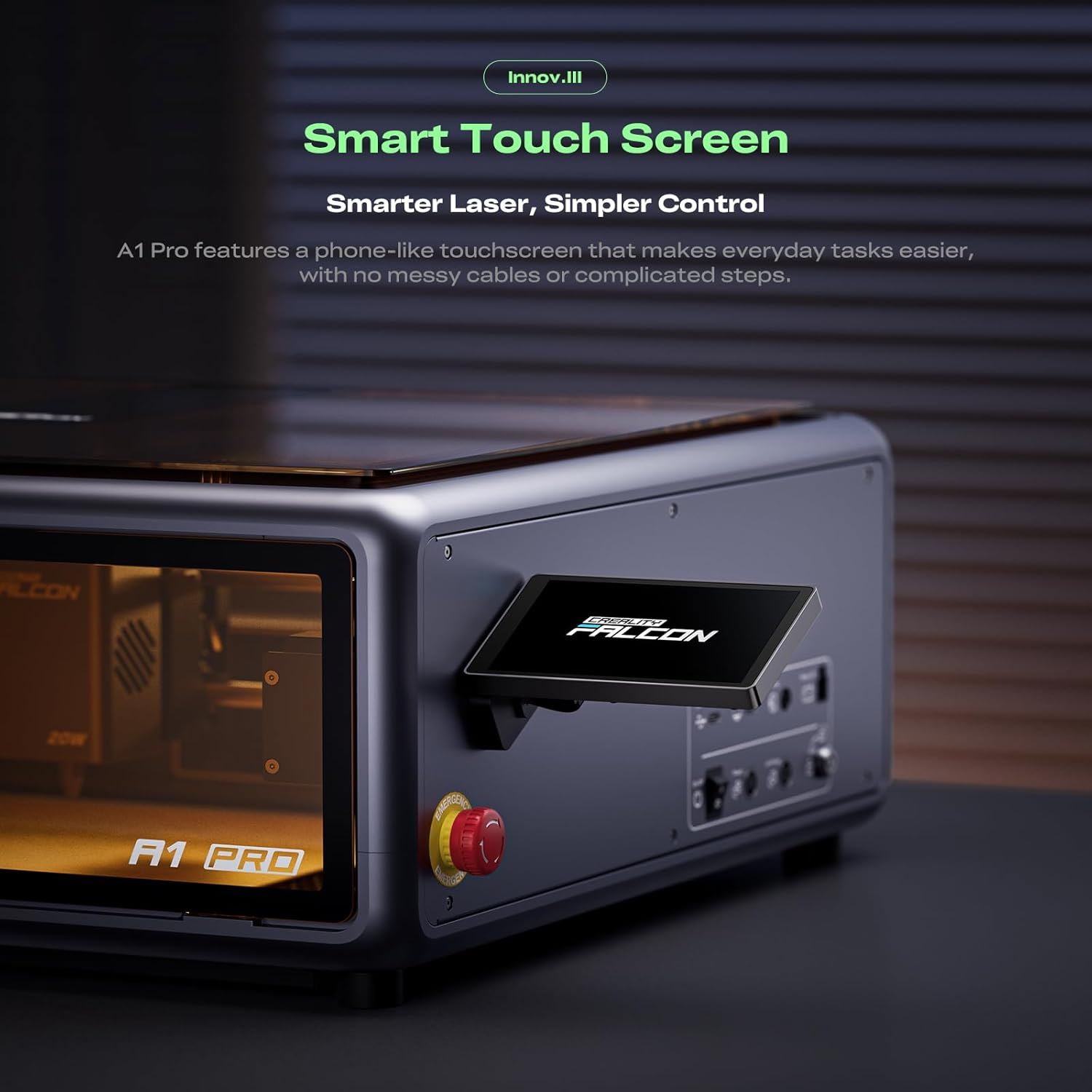
Smart Touch Screen & APP Control- The Creality Falcon A1 Pro 20W laser engraver machine boasts a sleek, smartphone-style touchscreen for effortless, cable-free operation. Intelligent app control elevates your workflow with real-time monitoring from anywhere—whether on the couch or in the kitchen—keeping you instantly informed so you can multitask with confidence
3× Faster Speed & 8 Safety Shields- Creality A1 Pro 20W Laser engraver outpaces its peers with speeds up to 600 mm/s—three times faster—delivering batch efficiency to meet most needs. Dual protective covers filter 99% of light, protecting your eyes without goggles, while the enclosed design blocks smoke and noise. An internal fan speeds smoke removal, and safety is enhanced by an emergency stop and lid-open halt feature
20W Blue & 2W Red Light Switching- The Falcon A1 Pro 20W blue-laser engraver empowers you to create with professional precision—capable of cutting through 10 mm basswood and 8 mm black acrylic at speeds reaching 600 mm/s. For unparalleled fine work, the optional purchased 2W infrared (IR) module harnesses 1064 nm technology and a 0.03 mm ultra-fine laser spot, delivering extraordinary clarity for engraving photographs, jewelry, business cards, and more
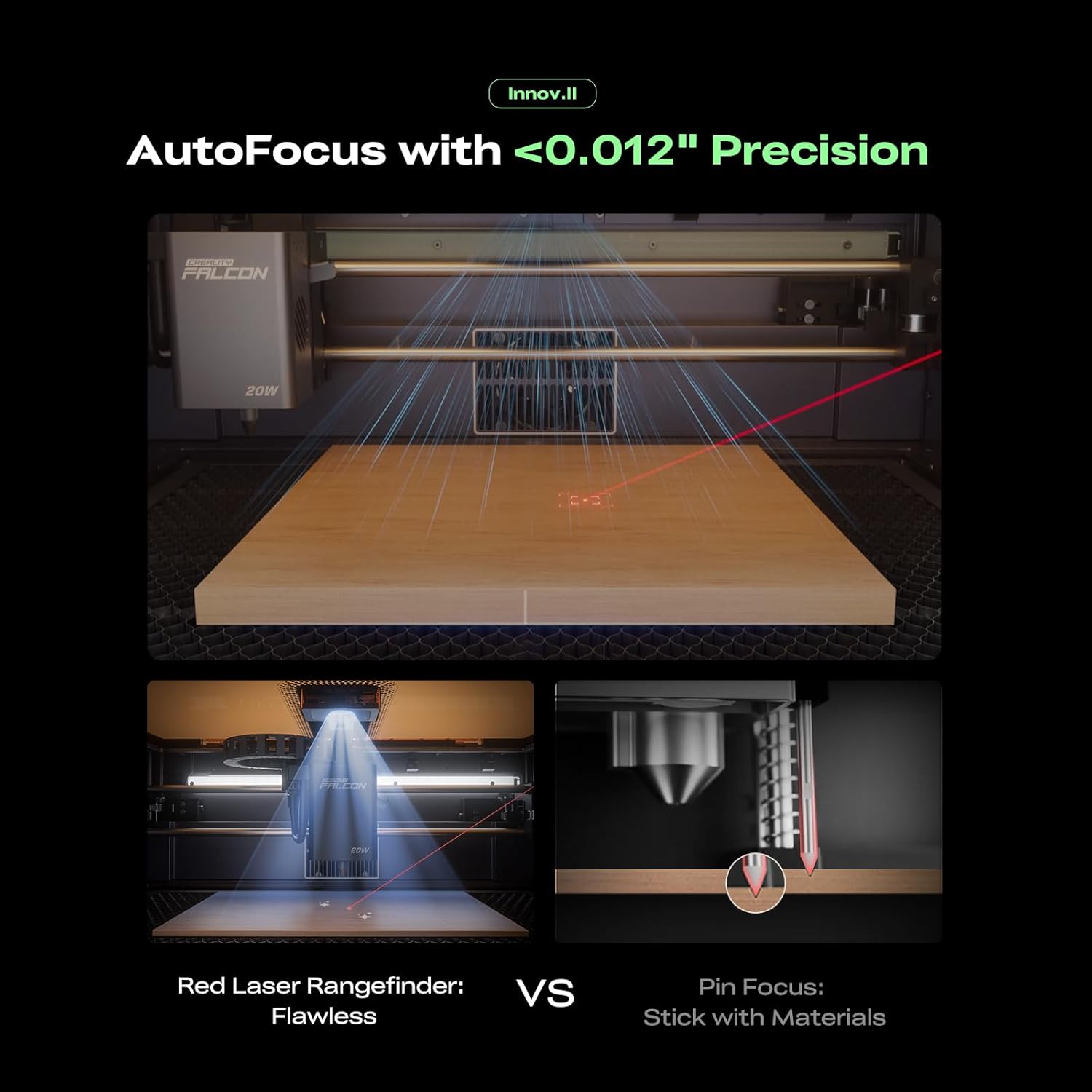
HD Camera & Leading Autofocus- Falcon A1 Pro Laser engraver machine high-definition camera previews the entire workspace, enabling precise object positioning for flawless cuts and engravings. Its camera control module, AI vision system, red-dot ranging laser, and Z-axis auto-lift deliver automatic focusing in just 3 seconds, achieving measurement accuracy within 0.012 inches for perfect results from the very first cut
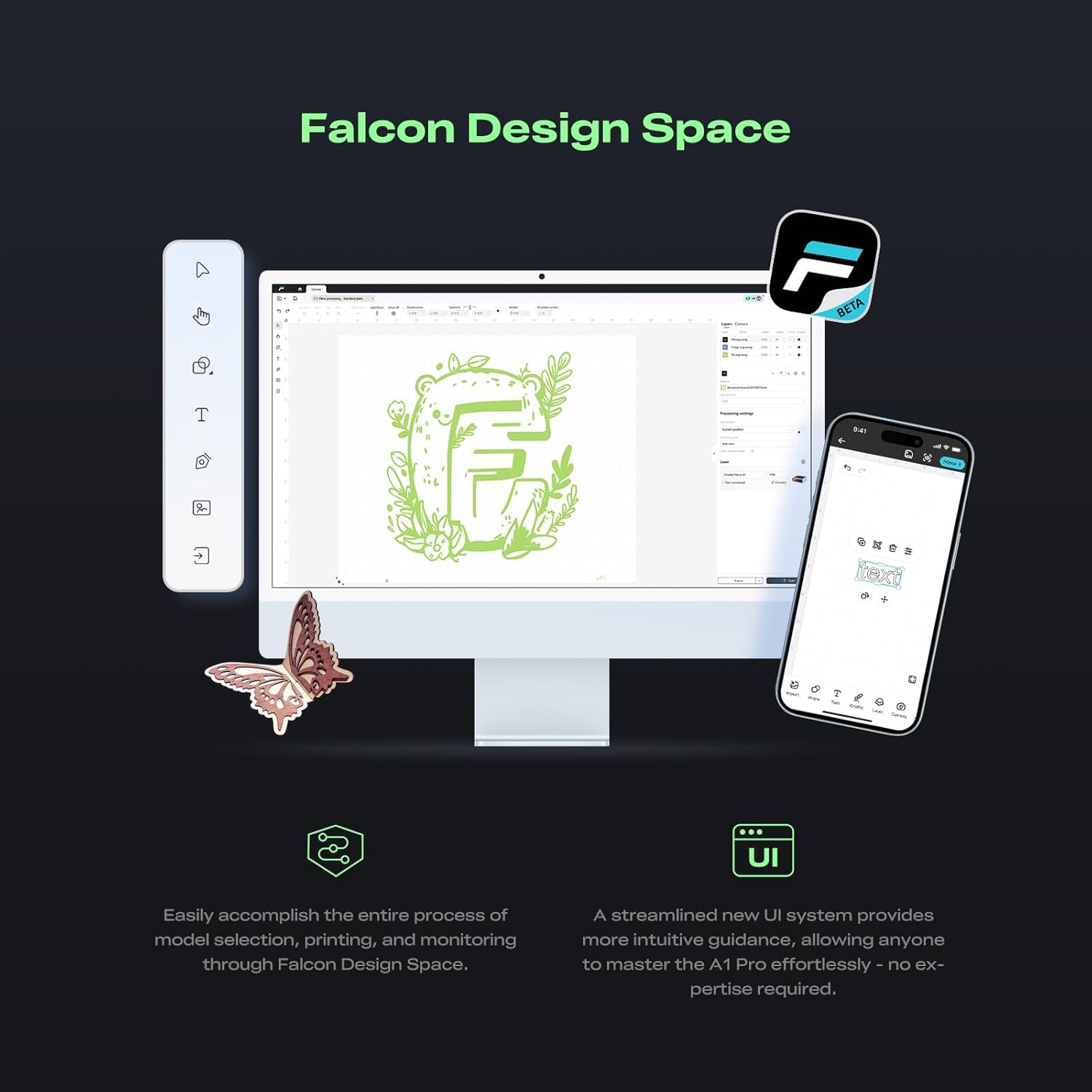
Pre-Assembly & Falcon Design- The Falcon A1 Pro 20W laser engraver arrives 80% pre-assembled, requiring only minimal setup to begin creating—ideal for seasoned designers and small businesses alike. With Falcon Design Space, effortlessly manage model selection, printing, and monitoring. Its streamlined UI offers intuitive guidance, enabling anyone to master the A1 Pro with ease, no expertise needed
PLEASE NOTE THAT the Falcon A1 is only compatible with 460 × 346mm(18.11” x13.62”) honeycomb panels
6 reviews for Creality Falcon A1 Pro 20W Laser Engraver, Full Enclosed 180W Output Laser Engraver Machine, Touch Screen, Auto Focus, APP Control, Pre-Assembled, Ideal for Wood and Metal, Class 1 Safety
Add a review

$1,099.00
Chuck –
Great machine for a beginner
Unit came quickly and was well boxed. It was fully assembled and only needed to be hooked to a computer. Very little start up and this is my first laser and so far I am very pleased with it
Holly Hoy –
Perfect for carpenters with disabilities!
I bought this for my dad, who was once a carpentry wizard. My dad’s tool of choice was the scroll saw, but due to osteoarthritis and MS, he can no longer use it. This is a fantastic upgrade for him and he is having a blast with it. I spent a few months researching engravers/cutters, weighing out what would be easiest, and most bang for the budget. I stumbled on this one and at first I looked at it with a bit of bias because I 3D print using Creality printers and love them. I forced myself to set that aside and continued looking into pros and cons. Every pro was a big one; the enclosure for eye and respiratory safety, the fact that it comes with an air assist pump and I wouldn’t have to buy one or use an air compressor, the vent hose, a camera inside so there’s no measuring and guesswork involved, the user friendliness of the software, the size of the workspace, the accuracy and line width of the cuts. The only con I really found was that the honeycomb tray comes separate and if you’re cutting wood without one, you’ll see the burns on the back as well as it engraves your cutout design on the bottom of the machine (which is apparently a thing for all of these machines from any brand). Putting the machine together was literally as easy as plugging things in. One cool thing I should note is that if you’re buying wood or any other material from Creality, it comes with a QR code on a business card, which the camera can immediately pick up and know what type of material you’re working with and applies the perfect settings to the software. Just fantastic all around and my dad absolutely loves his new toy!Just one heads up, the cutter came with the safety shutoff engaged. You’ll need to make sure it’s not engaged so you don’t have a freakout like I did thinking I got a cutter that wouldn’t turn on for like 10min. 😅
Brent –
Great quality, easy to set up
Great engraver. Easy to set up. I would but a new one if I needed but I dont think I will have to. The only thing I dont like is its a bit shallow. Be nice if it was deeper but can take the bottom out and make a extended box. Its easy to use. Worth buying if you want to engrave things. Be worth using for a business. You could put it out for display as it engraver for your customers to watch no safety glasses needed
Mitch –
Awesome, the creality team really took care of My issues.
Well build heavy duty frame structure, shipping was fairly quick, I originally had an issue with the first machine: the laser head had lost power and stopped working, I reached out to the company and they made it right by sending me a brand new machine communication between the team has been constant they never left me hanging however it is delayed due to time zones. so be patient with that. I also had them reach out after the new machine arrived just to make sure everything is going good. thank you.
Amazon Customer –
Frustrating Setup, Poor Software, Unhelpful Support
UPDATE: While Creality did reach out and offer a replacement, finally providing the level of customer service that should have been there from the start, a new machine won’t fix the product’s underlying issues.At this point, I still can’t get the machine to connect reliably. It worked a few times last night, then stopped. I’ve restarted everything: the engraver, the software, my computer. I have to reinstall the driver every time, close all my apps, and reboot my system just to maybe get a connection. Even then, it usually fails. This is a consistent and frustrating issue.When the engraver does manage to connect, I’m forced to stay next to it doing my other work, afraid to disconnect, because once I do, there’s no guarantee I can get it working again. That’s exactly what’s happening now.It’s maddening that there isn’t a simple option like using an SD card to run jobs directly. That would solve two major problems:1. We wouldn’t need to be tethered to a computer.2. It would bypass all these connectivity issues.Also, I’ve never been able to get Falcon Studio Design to work. I had to pay $100 for Lightburn just to make any use of the machine – which is unacceptable.It’s hard to believe a company would release a product without properly addressing these basic functionality concerns. If it’s not Mac-compatible, say so clearly – or better yet, provide a real solution.This will be my first and last Creality purchase.INITIAL REVIEW:So far this engraver has functioned more as an expensive paperweight than a usable tool. The software is clunky, counterintuitive, and feels like it was designed without any real understanding of user experience.Connection issues are constant, and it’s clear the company is aware. There’s even a small note on the product page directing you to their website if you’re having trouble connecting. Unfortunately, that page is no help either. It just lists obvious troubleshooting steps like restarting or checking cables – things you’ve likely already tried.When I reached out to customer service, the response was equally disappointing. The representative, “Mark Anthony,” greeted me with a casual “hi” and communicated entirely in lowercase with no punctuation, making the conversation feel unprofessional. I’m pretty sure I was speaking to an 8 year old.The software itself is a massive letdown. Every button is greyed out, yet somehow still functional, which completely breaks standard UI expectations. The design is confusing, inefficient, and honestly feels unfinished – probably designed by “Mark Anthony”.I haven’t even gotten to use the actual machine yet due to these roadblocks, so you can imagine what lies ahead – if you guessed “nothing but problems”… you’d be correct.If you’re looking for a laser, go somewhere else, unless you like unecessary headaches and worthless customer service.
Isaac Thompson –
Good for beginners and smaller projects
Works good and was a great introduction to laser engraving. I bought an xtool s1 40w not long after and haven’t used this much since but was great for learning and would probably be more than sufficient for most people looking to do smaller projects.