

Toybox 3D Printer for Beginners and Kids with Fast Printing, Easy Setup, Safe Design, Free App with Access to 7,000+ Digital Toys, 1 Filament Included – Alpha Three
$349.99
Related Products




Product description
The video showcases the product in use.The video guides you through product setup.The video compares multiple products.The video shows the product being unpacked. Toybox Alpha 3 Introduction Merchant Video
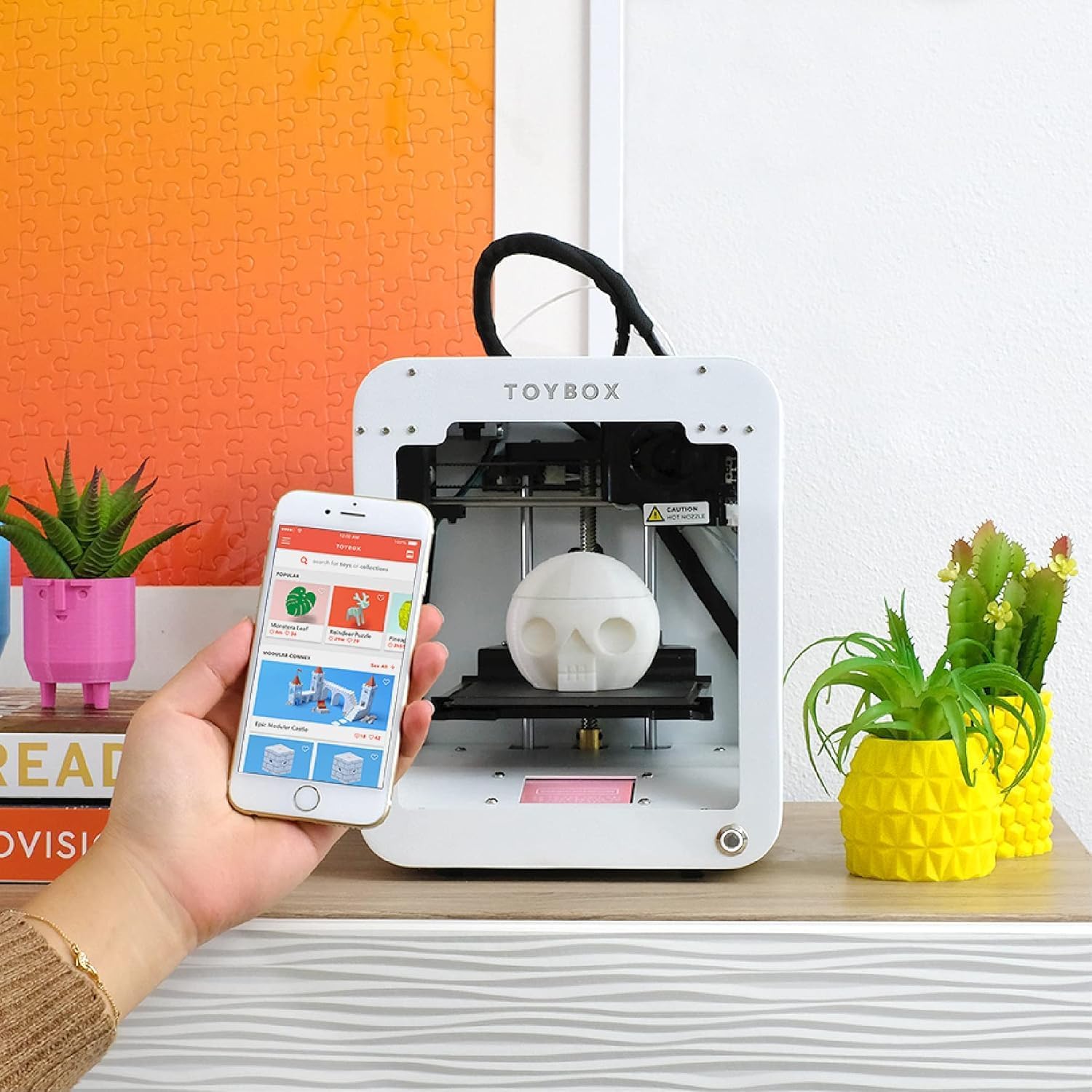
1. Choose a Toy
Browse thousands of toys in the Toybox app. New designs every week!
The video showcases the product in use.The video guides you through product setup.The video compares multiple products.The video shows the product being unpacked. Choose a Toy Merchant Video
The video showcases the product in use.The video guides you through product setup.The video compares multiple products.The video shows the product being unpacked. press print toybox Merchant Video
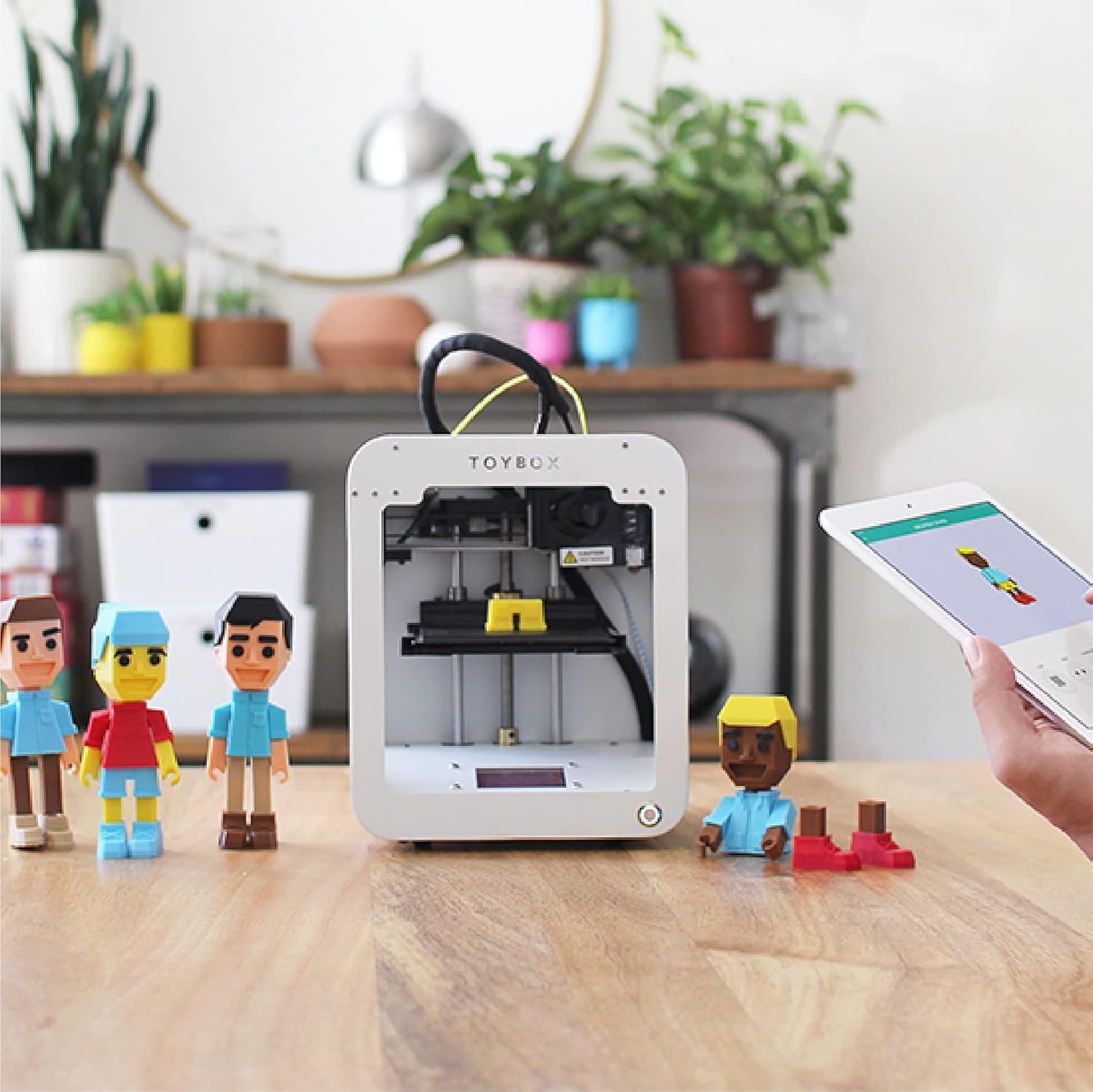
2. Press Print
One tap and Toybox brings your creation to life. Alpha Three is the latest version of the original Toybox with up 2x faster print speed and 1.5x more print details
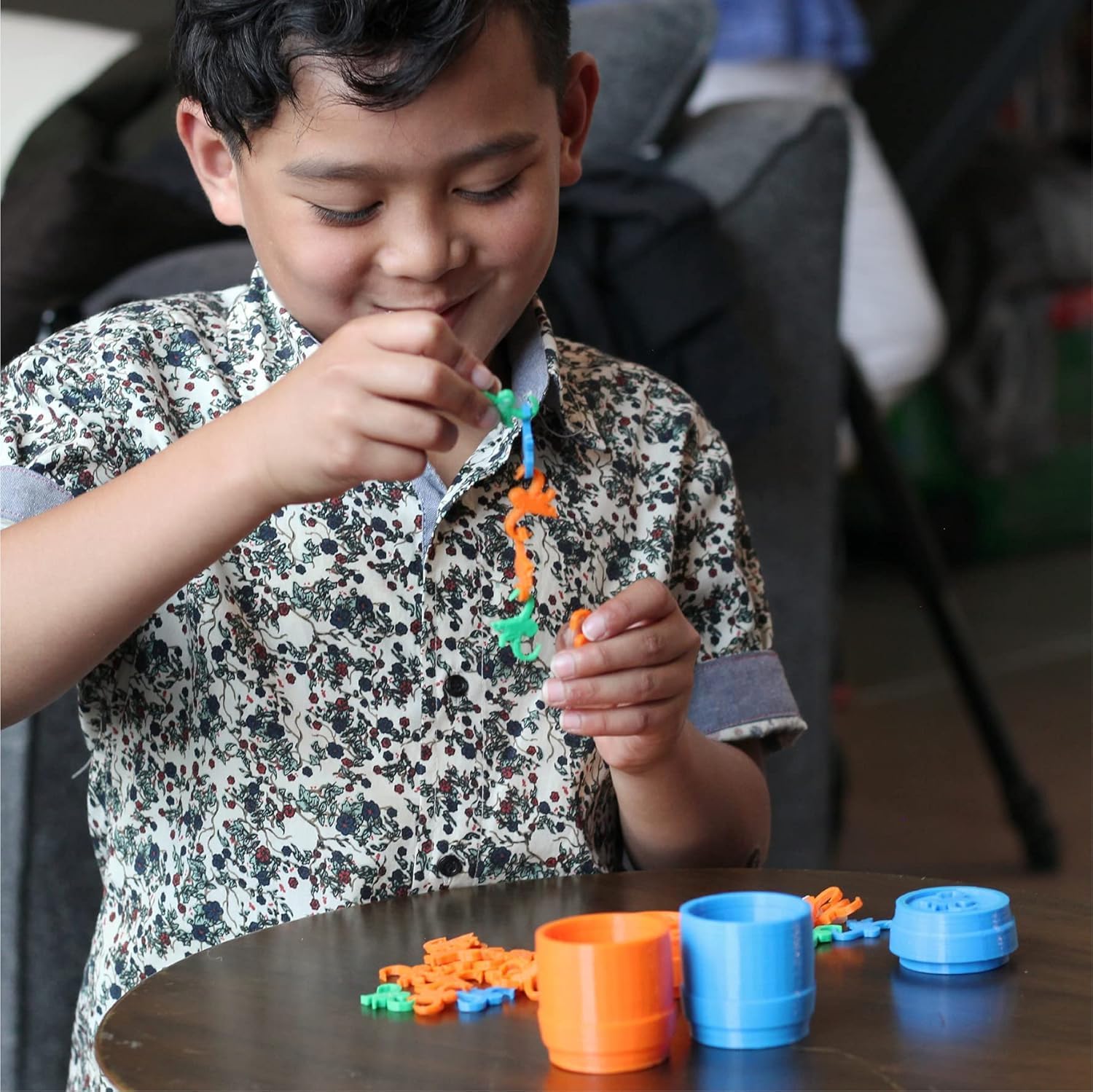
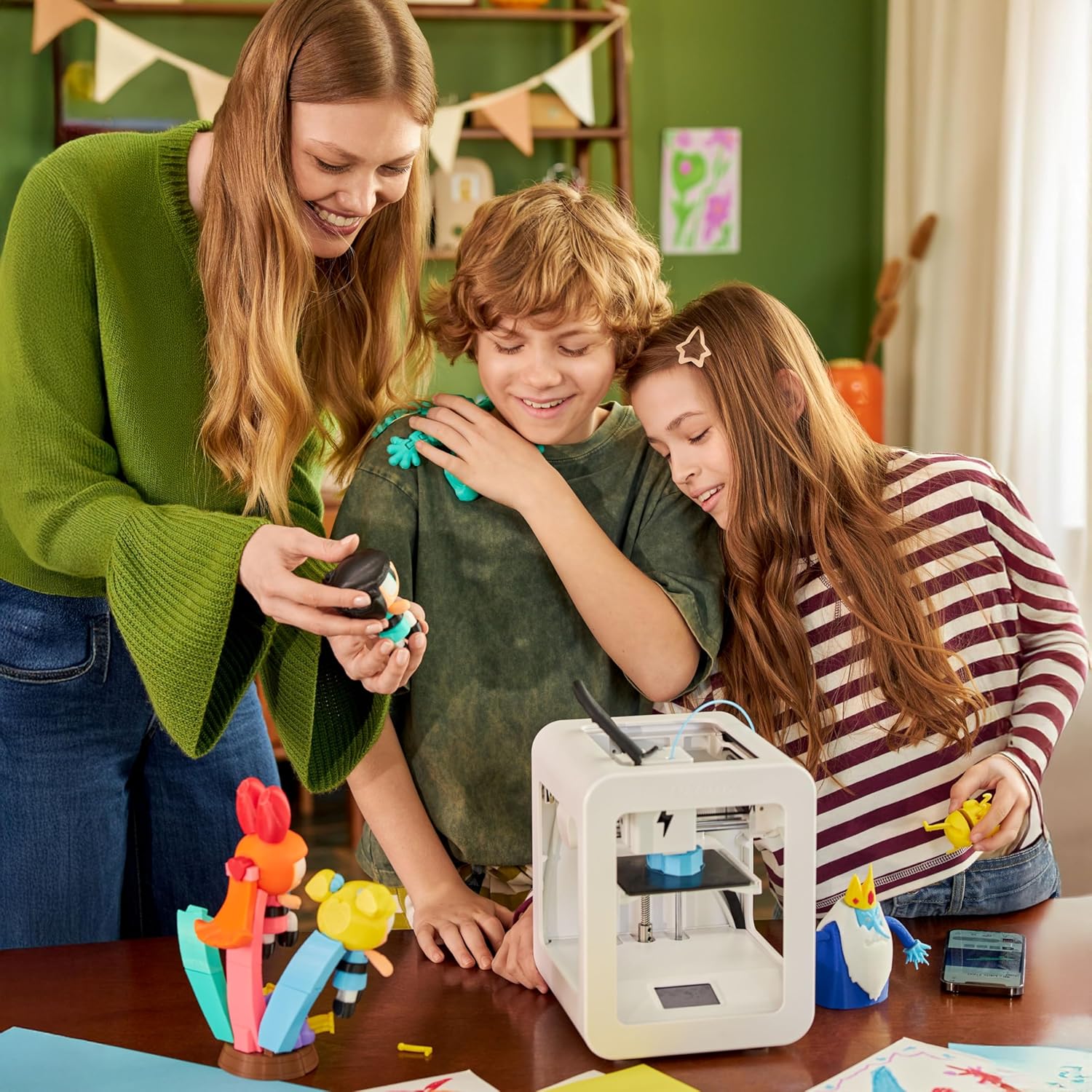
3. Play and Learn
Enjoy mess-free fun and creative learning for the whole family.
The video showcases the product in use.The video guides you through product setup.The video compares multiple products.The video shows the product being unpacked. Access our Creator Space Merchant Video


How is Toybox different from other 3D printers?
Toybox is designed from the ground up for entertainment and ease-of-use. We enable kids to 3D print their own toys by providing an intuitive interface and a rich selection of high quality toys and content.
Am I locked into the Toybox system?
No. You can import models from other platforms, and you can also use other 1.75mm PLA filament.
What printing materials does it use?
Our Printer Food rolls are with PLA. We only sell PLA rolls because it’s non-toxic and is a renewable corn based plastic.
How many things can I print with one Printer Food roll?
This really depends on what you are printing. You can printer around 500 cat rings, or 8 full size action figures per roll.
Can I only print things in the Toybox catalog?
No. The Creator Space is a suite of apps and tools that allow you to easily create your own inventions. You can also import models from the internet or even import models that you have created with a computer-aided design tool (CAD).
3D Printing Kit for Kids and Families: Includes the Toybox 3D Printer and 1 PLA filament spool for creative toy-making projects at home.
Fast, Easy Printing: Prints up to 2× faster with 50% more detail than Toybox Alpha Two. Features one-touch printing and tool-free calibration for quick, hassle-free setup.
Kid-Safe Design: Lightweight, durable frame and non-toxic PLA filament ensure safe, worry-free printing for children and families.
Licensed Toys: Print officially licensed favorites from SpongeBob, Batman, How to Train Your Dragon, and more using the included filament spool.
Access 7,000+ Ready-to-Print Designs: Choose from thousands of toys, including licensed characters, or draw and upload your own STL, OBJ, and gCode files through the Toybox app (iOS, Android, Web).
8 reviews for Toybox 3D Printer for Beginners and Kids with Fast Printing, Easy Setup, Safe Design, Free App with Access to 7,000+ Digital Toys, 1 Filament Included – Alpha Three
Add a review

$349.99
Ash –
Huge hit for kids in our house!
The Toybox 3D printer has been an absolute winner in our house. Setup was super quick, the app is easy for kids to use, and the ready-to-print toy library keeps them creating nonstop. The prints come out great, the cartridges are mess-free, and it’s a fun way to sneak in some STEM learning. If you want a gift that actually gets used, this is it!
Stephen T –
Definitely a step up from the original Toybox – my boys won’t stop printing!
My family recently upgraded from an older version of Toybox to the Alpha Three, and I’m genuinely impressed at how many of the small frustrations we had have been addressed, while the kid-friendly simplicity remains intact. The setup (again) was effortless. Unbox, plug in, connect to WiFi, open the app on the tablet, and the kids were browsing prints within 15 minutes.What stood out after about 2 weeks of use:1. Faster prints2. Sharpened detail3. Still easy for kids to jump right in4. Decent print libraryThe main thing to consider is the build volume is the same, about a 3″ cube. If you or your kids want to print larger objects, you’ll hit the size limit.Final verdict, this is a great 3D printing experience for kids and those new to 3D printing. The Toybox Alpha Three hits the sweet spot: intuitive, safe, fun—and this iteration steps up both speed and print quality in meaningful ways. In our home it has already moved from “new toy” status into “regular creative station.” I wholeheartedly recommend it for parents who want to give their kids creative freedom (and want something manageable for the household).
C. Huang –
Versatile, easy to use, 3d printer. FUN!
It’s easy to use, with a very intuitive mobile app. There are tons of free models in the app, and you can also find your own models online and upload them to the app to edit. I’ve printed several toys for my friend’s kids, and they’re quite enthusiastic. Every week they ask for different toys based on their descriptions, and I create new ones. Most recently, one of them requested if I could print a ball within a ball as a toy. With a little bit of creativity, yes I can! I’m also playing around with creating a new type of coffee dripper. I think I could print my first prototype with this 3D printer. I would definitely recommend it.One thing to mention: some prints require support structures, especially complex ball-shaped ones. There are two options for the support structure; one called basic, the other tree-style. I had more success with the basic support structure, the problem with structure support is cleaning it from the actual print is quite challenging. I try printing slower with no support in order to prevent the model from moving off the base, and sometimes towards the end I hold the model so it doesn’t move from its spot. Anyway, there’s some trial and error required. I’ve attached a couple of failed print photos as well.
Customer Review –
Easy to use, and so many options within the app
I think this 3d printer is a great way to introduce kids to 3d printing, as the app is pretty straightforward after setting up and the machine itself doesn’t require more than 10 minutes to setup. It does need to calibrate in the beginning so keep that in mind. Ive been able to print myself some fidget toys that came out looking great and printed fast. The app has a very easy search function with lots of files to choose from or you can transfer files right into the app. Ive had not connectivity issues but just note that the kid printing requires a smart phone to use the app and print anything. Overall I think it’s a great option if you want a hassle free 3d printer for kids. The machine will take any regular filament.Only downsides are the price. It’s very expensive for its capabilities. It is very small and won’t print larger files. It at least makes it portable and takes very little space in any setting. Its also loud but expected from any 3d printer.But for a cheaper price ive been many good bran printers on here that willl print larger designs. So this 3d printer is only good to pay the extra cash if you want to give it to someone who isn’t very tech savvy and is new to 3d printing;
Leslie M. –
Defective out of box
Super disappointing Christmas morning for the kids. After following the setup guide and getting connected to phone. Attempted first simple print. Printer just made loud popping and grinding noise as it attempted to raise and lower print bed like the motor that does it was broken. Checked for obstructions as per troubleshooting guide and there were none. All this excitement for a new 3D printer and this thing never even printed a single thing. Definitely not impressed
T.T. –
A printable treasure chest!
We just unboxed our Alpha Three and it’s already a hit! My 4yo is (shockingly) already aware of 3D printers from a friend at preschool and is over the moon to have one too. It was extremely easy to set up – took us about 5 minutes to go from opening to printing – which with an eager kid is super important.After a quick browse of all the printing options, we settled on customizing a car. Prints are quick, clean, and fun to assemble. Tons of options for kid-friendly prints, plus fun for the adults too. Really appreciate that our little one will get to learn about design, engineering, and tech with this Toybox. Excited to get creative and play with this more!
cerrando –
How-to is unintuitive and support hard to access
This is maddening. It needs to be calibrated- only learned that by searching YouTube videos. No easily accessible info on how to know how to do it, let alone interpret results. Try to submit a help ticket? Fails. Try to calibrate again? Really hard to find the calibration template- not in the library- and then it says I’m not logged in. Says this IN the app I’m CURRENTLY logged in to. So, currently can’t calibrate again, just printing little nuggety piles.
Michael Stumpo –
So easy to use, my daughter loves it
I had one other 3d printer before this, and it was such a headache to use. Toybox is the total opposite – so easy to set up and start printing. My daughter loves making new toys. An awesome gift idea for young, curious kids!!!