

Creality Ender 3 V3 SE 3D Printer, 250mm/s Faster FDM 3D Printers with CR Touch Auto Leveling, Sprite Direct Extruder Auto-Load Filament Dual Z-axis & Y-axis, Printing Size 8.66 * 8.66 * 9.84 inch
$28.99
Related Products


Product description
The video showcases the product in use.The video guides you through product setup.The video compares multiple products.The video shows the product being unpacked.
 CR-Touch Auto Leveling & Strain Sensor
Creality Ender-3 V3 SE 3d printer features a CR Touch sensor for auto leveling and a strain sensor for auto z-offset. Just lay back and enjoy the print success, there is no need to participate manually throughout the process, making leveling much easier.
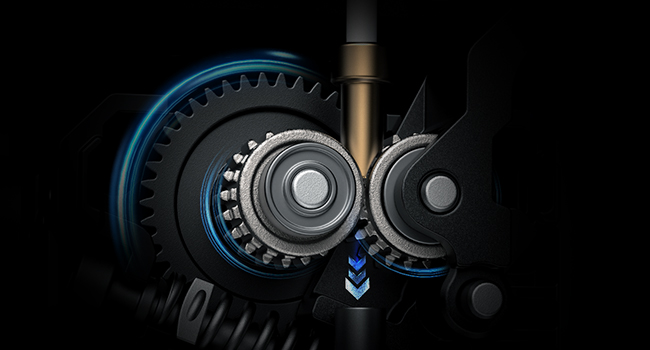 Auto Filament Loading & Unloading
Creality Ender 3 V3 SE supports automatic loading and unloading filament function. Tap “Extrude”, and the filament will flow out of the nozzle smoothly. Tap “Retract”, and the filament will exit quickly. So, it is effortless to replace the filament.
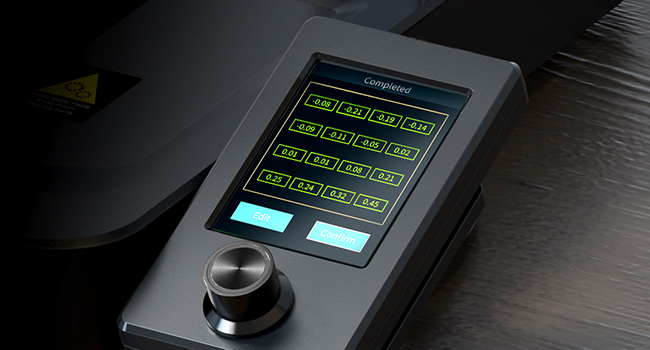 Intuitive UI Display
Creality Ender 3 v3 SE 3d printer aims to privide easier and better user experince, with intuitive UI displays, users can observe the leveling process and printing parameters clearly with motion graphics. No worry to miss out anything, just enjoy the printing process.
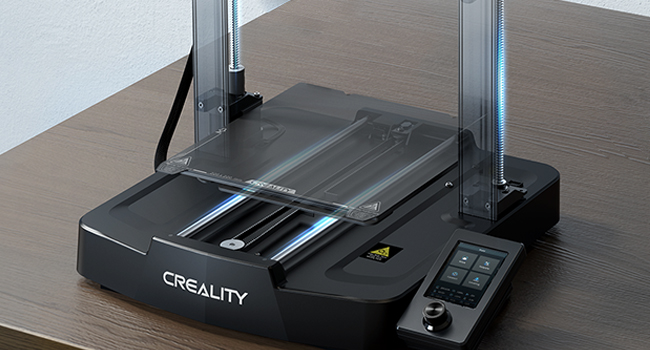 Stable Dual Z-axis Structure
The rigid dual Z-axis of Creality Ender 3 V3 SE lead screws reduce Z wobbling effectively. The Y-axis features two 8mm linear shafts made of strong and wear-proof steel, which underpins a steady and accurate motion for a lasting time.
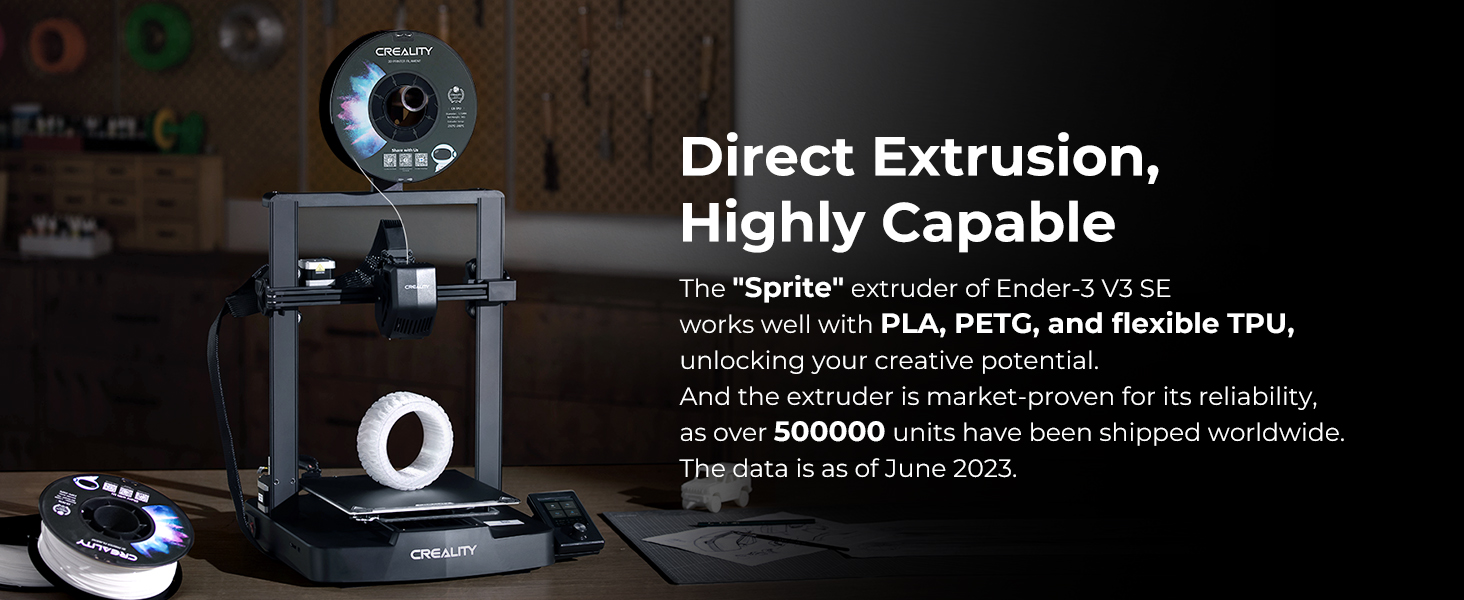 Direct Extrusion
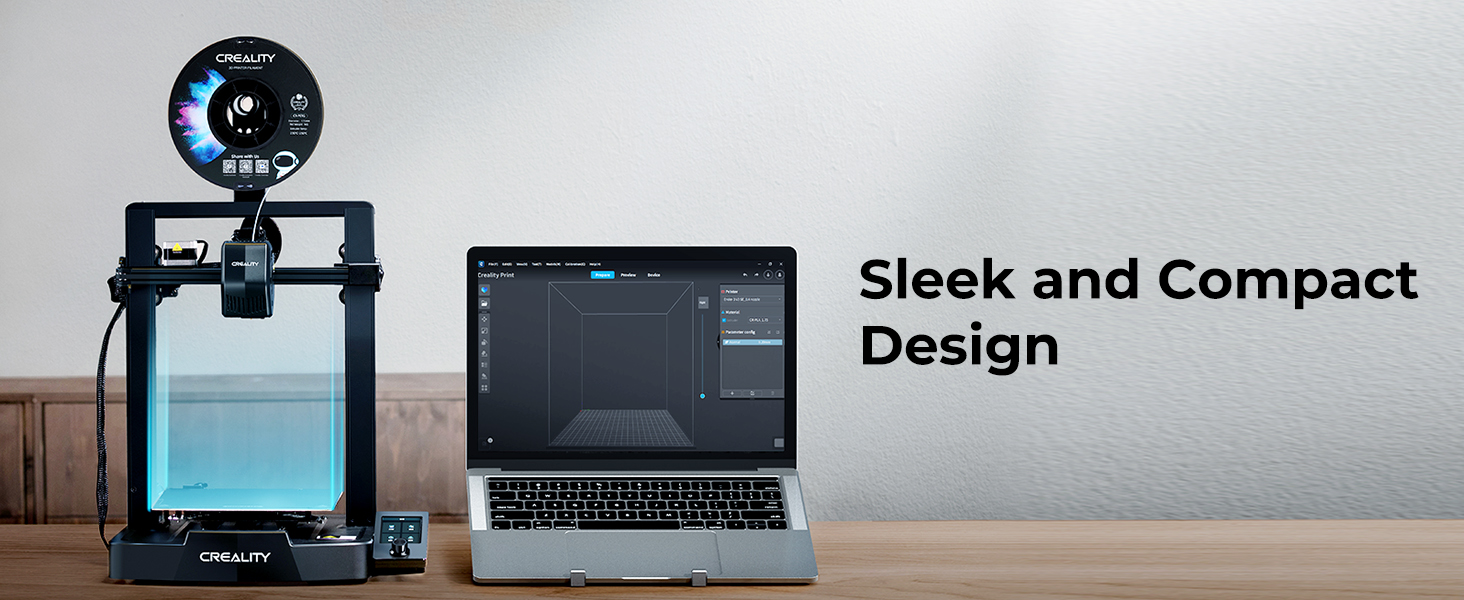 Sleek and Compact


1 DIY the Models 2 Various Occasion Use 3 Work with Creality
Learn More about Creality Ender 3 v3 SE 3D Printer!
Printing Technology Fused deposition modeling Build Volume 220*220*250mm Product Dimensions 420*366*490mm Package Dimensions 575*390*235mm Net Weight 7.12Kg Gross Weight 9.14Kg Typical Printing Speed 180mm/s Max Printing Speed 250mm/s Acceleration 2500mm/s² Printing Accuracy ±0.01mm “Extruder” Type “Sprite” Direct Extruder Leveling Mode CR Touch Auto Leveling Supported Filaments PLA, PETG, TPU(95A) Nozzle Temperature ≤260℃ Heatbed Temperature ≤100℃ Mainboard Type 32-bit Silent Mainboard
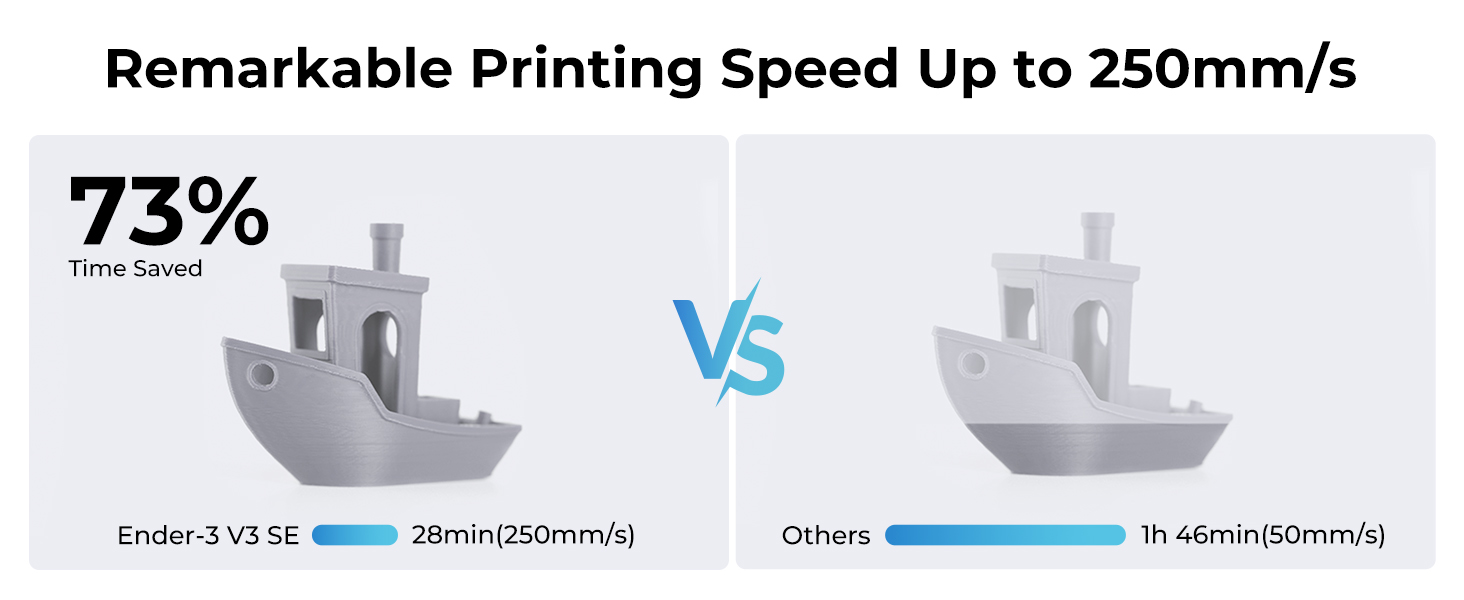
250MM/S HIGH-SPEED PRINTING: Ender 3 V3 SE 3d printer can print at up to 250mm/s speed with 2500mm/s²acceleration, faster than ender 3, ender 3 v2, ender 3 pro, ender 3 neo, ender 3 v2 neo, ender 3 s1, ender 3 s1 pro etc. You can complete models efficiently, saving time to wait for print jobs. Moreover, it can keep good printing quality at the same time. The Optimized UI uses motion graphics to display the leveling process and other parameters, so you will know how the printer is doing at a glance, providing you a perfect printing experience
START PRINTING WITHIN 20Mins: Creality Ender 3 V3 SE 3D printer is easy to put together in 3 steps within about 20 minutes only. It equips CR Touch for auto leveling and strain sensor for auto Z offset. It is easy to get a perfect first layer. Leveling is the important process before printing, it usually make customers in trouble. This 3d printer saves 73% of the time compared with other printers and easily start to print. Which is friendly to all of customers including the beginners
CAPABLE “SPRITE” DIRECT EXTRUDER: The “Sprite” Direct Extruder of Ender 3 V3 SE enables smooth feeding of various filaments, including PLA, PETG, and TPU. And the extruder is market-proven for its reliability, as over 500,000 units have been shipped worldwide
“DUAL” STABLE STRUCTURE: Creality Ender 3 V3 SE, Dual Z-axis synced by a quality timing belt, ensuring high print quality. The rigid dual Z-axis lead screws reduce Z wobbling effectively. The Y-axis features two 8mm linear shafts made of strong and wear-proof steel, which underpins a steady and accurate motion of the build platform for a lasting time
32-BIT SILENT MAINBOARD&MORE: This 3d printer equips a 32-bit silent mainboard with an advanced stepper motor drive to control all axes more precisely for less operation noise. The PC spring steel build plate is sticky and flexible, making it easy to remove the printed models by bending it slightly. Moreover, Ender 3 V3 SE equips the auto filament loading and uploading, one tap to load the filament, and one tap to unload it. Warning: Please make sure the side of the power supply is chosen at 115V before power on
AUTO FILAMENT LOADING & UNLOADING: Ender 3 V3 SE supports automatic loading and unloading filament function. Tap “Extrude”, and the filament will flow out of the nozzle smoothly. Tap “Retract”, and the filament will exit quickly. So, it is effortless to replace the filament
9 reviews for Creality Ender 3 V3 SE 3D Printer, 250mm/s Faster FDM 3D Printers with CR Touch Auto Leveling, Sprite Direct Extruder Auto-Load Filament Dual Z-axis & Y-axis, Printing Size 8.66 * 8.66 * 9.84 inch
Add a review

$28.99
Greg H. –
Good printer, large build volume. Good for PLA with stock setup.
I ordered this printer in April 2018. This is not my first printer, so I am familiar with 3d printing and have been at it for several years. I decided to get this printer because I heard a lot of positive things about it, and it has a large build area.Overall this printer is pretty good for the price. I would recommend it, except for one critical issue (that I am hoping is remedied). The printer that I received has a “fatal flaw” because of a bad capacitor on the motherboard. The 5v regulation on the motherboard has a high ripple. This is because Creality used the wrong type of capacitor on the most recent motherboards (v2 and v2.1). What this means: you will see the temperature reading vary from 3-5 C when you are printing, and even a bit (1-2C) when you are sitting idle. When printing under 220, the printer will still print ok, though you may see some variation in your layers due to the temperature oscillation. Another real concern is when you try to print above 230C (which is required for filaments like ABS or PETG) . My board can’t even heat over 230 C because of this capacitor issue. If you google “CR 10S temperature issue” you can learn more about this.I am attempting to get a replacement board from the seller who I bought through on Amazon. They have asked me for a video of the problem. The seller claims to be in touch with the manufacturer (Creality) so I am hopeful I’ll get a replacement. If I do get a replacement board, I will come back and update my review. I’m hoping this issue gets resolved, and I believe Creality will eventually start shipping printers with the correct capacitor, possibly in version 2.2 once that is released. My recommendation would be to double check that the issue has been resolved before buying this printer, unless you only plan on printing PLA or don’t mind the hassle of getting a replacement board and opening up the case.Apart from the above issue, the printer is very good. The quality of prints are excellent even with the stock hot end/extruder. I’ve successfully printed PLA, Flex (TPU), and TPEE. You can also do a lot of small upgrades that will make the printer work a lot better. For example: add a Capricorn tubing so you can print flexible filaments easier. You can also upgrade to a “drop in” all metal extruder like a microswiss or a genuine e3d v6 (custom mounts are required) if you want to print higher temp filaments. I also recommend getting a nice build surface, like BuildTak. I picked up a 3 pack of “Athorbot” build sheets, which is just like BuildTak, but a lot cheaper- it is working great.People have reported issues with warped glass beds. My glass bed turned out to be fine. I used a dial indicator gauge to check my bed for variation, and it was quite flat. If your bed is not flat, you can get a 6 pack of mirror tile (12×12″) for very cheap as a replacement.One other thing that I’d like to point out is around safety. I don’t recommend printing over 210 C with the stock setup. This is because the PFTE tube (bowden tube) goes all the way into the hot end, through the heat block right up to the nozzle. This design is actually really good for constraining the path of the filament, but unfortunately that has a dangerous side effect. After 210C, the PFTE tube will begin to release toxic gasses that can be harmful to pets (especially pet birds). After 240 C the stock PFTE will deform and cause you printer to jam. Capricorn tubing will allow you to print up to 300C, but you will still have toxic off gassing.If you are just printing PLA, the stock setup is great. If you want to do much more than that (PETG, ABS, Flexibles, etc.) you should consider upgrading, and will need to make sure you have a good motherboard.Update: a few weeks after I requested a replacement board, the seller was able to send me one. I’m very pleased and the issue I had is no longer a problem! Raised my review to 5 stars because everything seems to be working great now.
Alain Price –
Great way to get back into 3d printing for retired enthusiasts.
Fantastic 3d printer for beginners. Manual was good, software install was easy, print quality is good. Also impressively quiet. For $200, it’s hard to go wrong with this printer.My only complaint is that I wish there was a warning tag to remove the shipping foam below the build plate. I almost missed it in my excitement to 3d print again.
Amazon Customer –
Many issues in less than 6 months
Why did you pick this product vs others?:I had this printer for less then 3 months and the touch sensor went out on it. After spending a hours with tech support and sending pictures and videos, they sent the new piece. 4 months later I tried to print a larges print but the extruder would touch the build plate in some areas near the middle but the outside area it would not touch and I would have a mess of filament before I noticed and stopped it. When I called in about that and sent pictures and video proof, they sent me a file to print to see if the print would work. It worked because the file was a small boat in the middle of the build plate where I said it would work. When I told them that I was instructed that I would need to adjust temps and leveling to make it work, but no luck. (Auto leveling does not work right on these machines.) Finally I started to have an issue where the machine would either stop mid print or would not even start the print, beep really loud, and the screen would say that the nozzle temp was to low. I checked this and the nozzle temp was between 190-200. When I sent the info in all they wanted was a video of the issue. I told them I will not be sending anymore videos and they should refund for faulty equipment. They sent me an email 24 hours later saying no because it is outside the 1 month return or exchange policy and that I needed to send them another video for proof of issue. I sent them the video and now I have to wait. I now have to start shopping for another 3d printer. I warn all potential customers to be aware of these printers. They have many issues with them. And the company does not seem to want to do the right thing to take care of this issue. I will be looking at Anycubic or Bambu Lab printers and I would suggest everyone do the same.
Justin Vawter –
Fantastic Printer – Perfect for Beginners!
I absolutely love my Creality Ender 3! It’s been an amazing introduction to the world of 3D printing. For the price, you get a really solid, reliable machine that punches way above its weight. Setup was surprisingly straightforward—even as a beginner, I was able to get up and running pretty quickly.What I appreciate most is how much you can learn and grow with this printer. It’s easy to use right out of the box, but there’s also a great community. I’ve printed everything from functional parts to detailed models, and it consistently delivers great results.If you’re just getting started or looking for a budget-friendly but powerful 3D printer, I can’t recommend the Ender 3 enough. It’s been one of my favorite tech purchases!
Luc –
Package received in good condition. Found item was well packed. Assembly was straightforward although instruction could be clearer. Worked flawlessly from the onset.
mathieu –
Comme promiere imprimante 3D j’aime bien, facile d’utilisation, très bien expliquer pour le montage, l’ajustement du plateau dois se faire aux 3-4 pièces, j’apprécie vraiment, bonne qualité
Mike K –
Great first printer for people that like to tinker with things. Tons of online videos and stuff to help. The best 2 I’ve seen have been a very detailed video of assembly, and the suggestion of not modifying it for the first 100 hours of printing, so if you need tech support, it will be about the printer, and not caused by modifications you made.I did have to move the z-stopper down about a centimeter, as it homed out way above the print bed, but that was easy to do.
oscar –
la compre en descuento y me salio en $4417 es muy fácil de montar y la calidad de impresión es muy buena. esta es mi segunda S1 y si en algún momento la vuelvo a agarrar en descuento seguramente la volvería a comprar. xq no me ah fallado nunca. eso si, debes darle mantenimiento como a cualquier otro aparato mecánico.
curtis –
I’ve had this for over 2 months now. It did take me a few failed attempts and some YouTube videos to get everything dialed in but once you understand the fundamentals it prints perfectly.