

Anycubic Kobra S1 Combo Multi-Color 3D Printer, Fast 600mm/s Printing Auto Leveling with Auto Calibration Anycubic App One-Click Printing 250 x250x250mm Build Size
$469.99
Related Products




Product description
Anycubic Kobra S1 Combo Multi-Color 3D Printer
The video showcases the product in use.The video guides you through product setup.The video compares multiple products.The video shows the product being unpacked. Anycubic Kobra S1 Combo Multi-Color 3D Printer Merchant Video

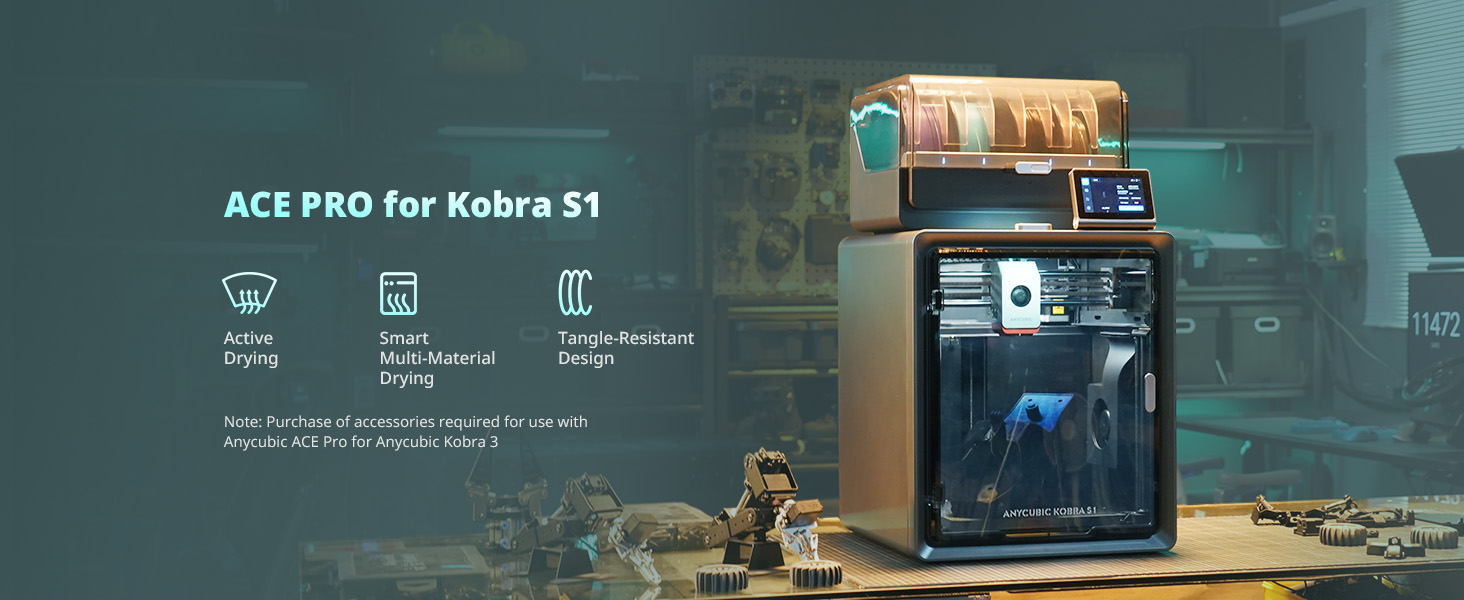
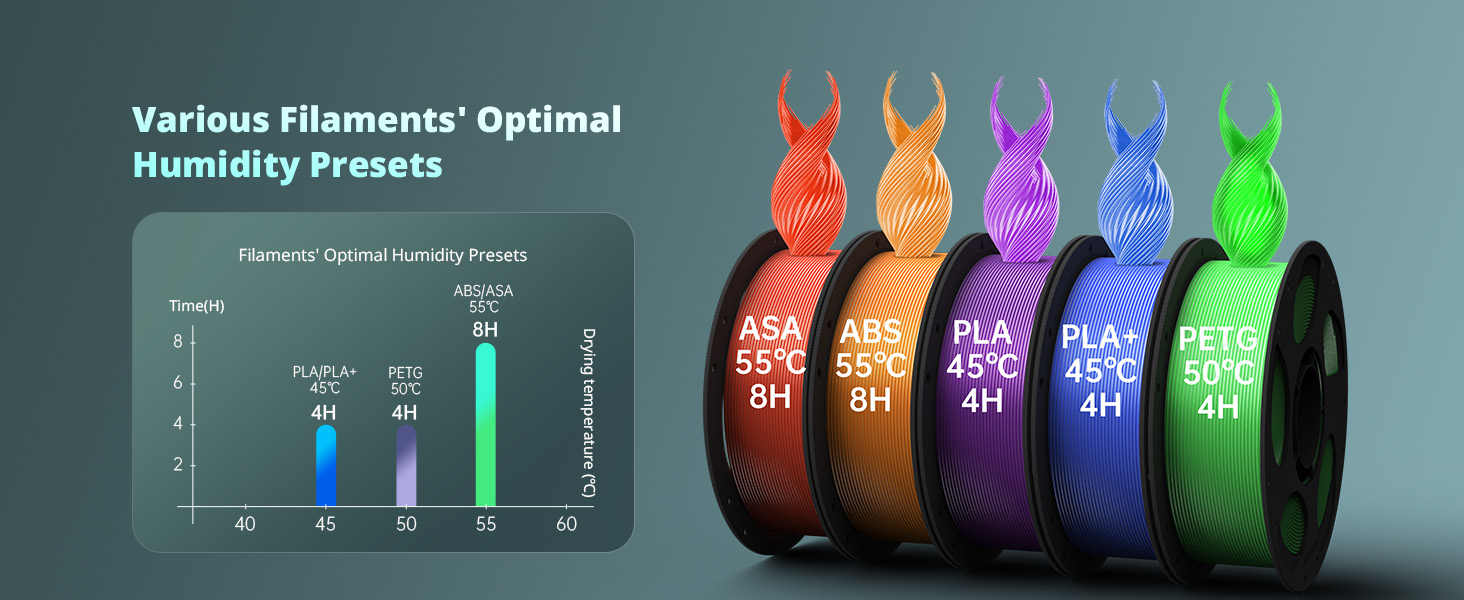
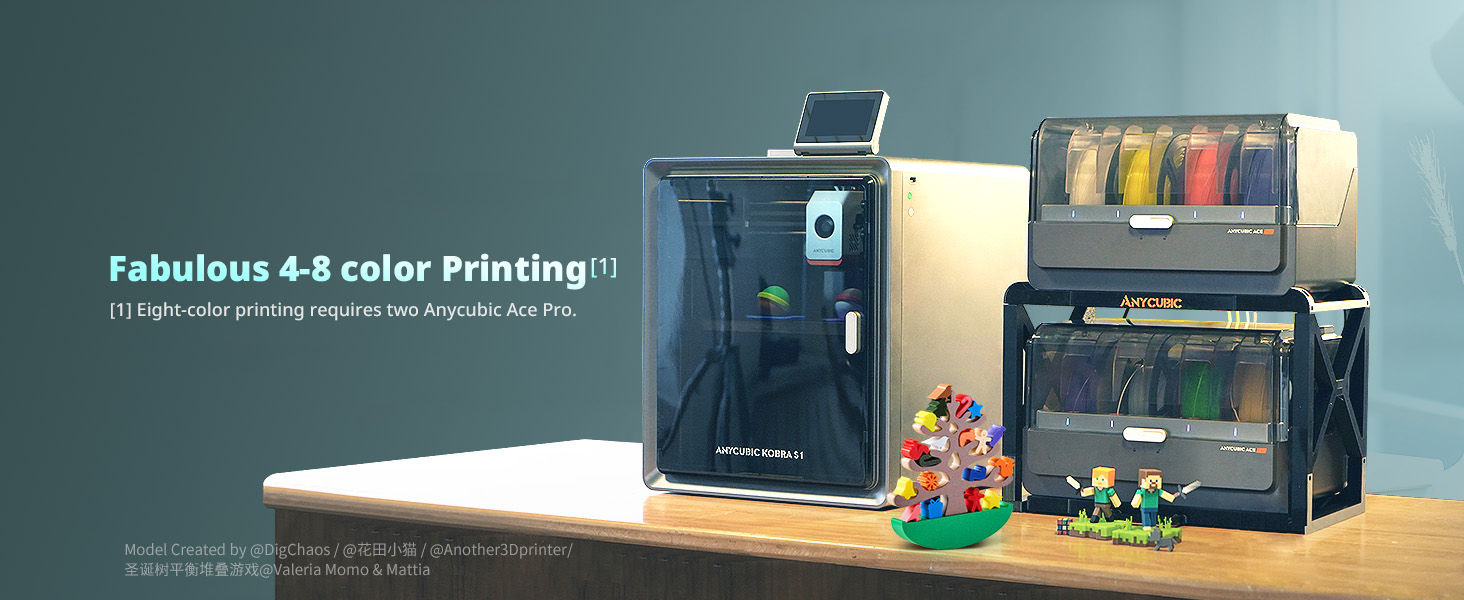
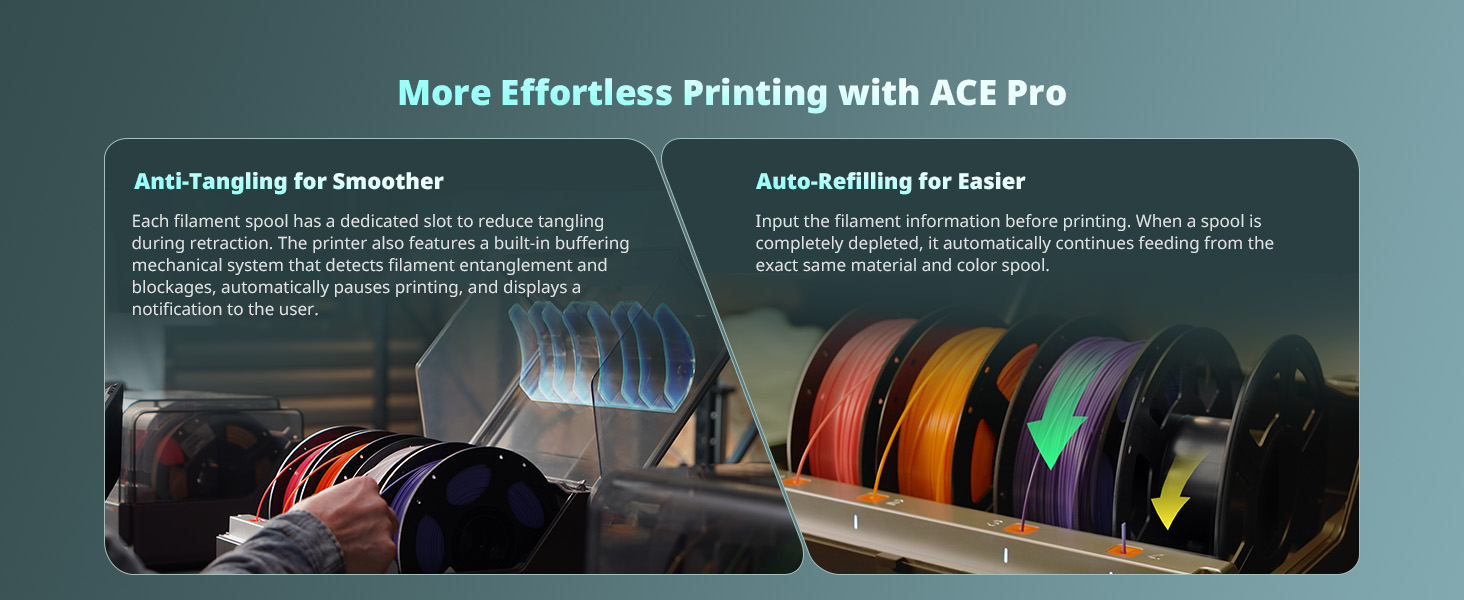
1 Superior Features
2 ACE PRO
3 Humidity Presets
4 4-8 Color Printing
5 Effortless Printing
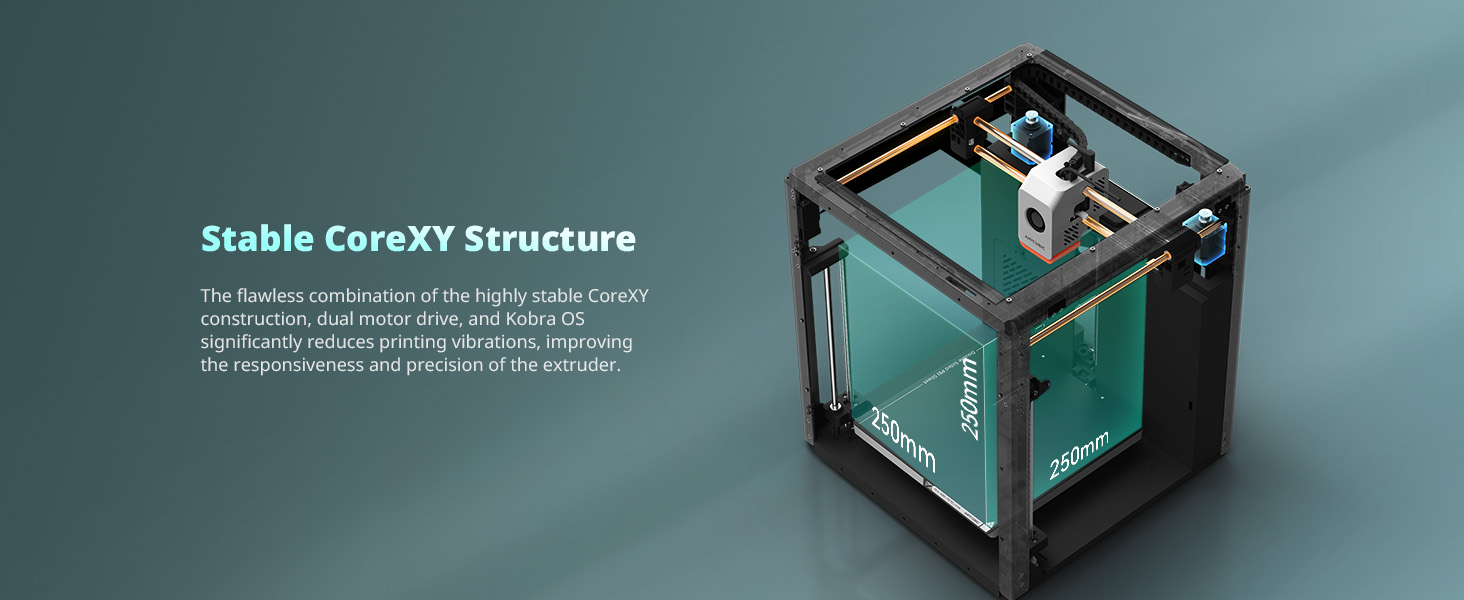
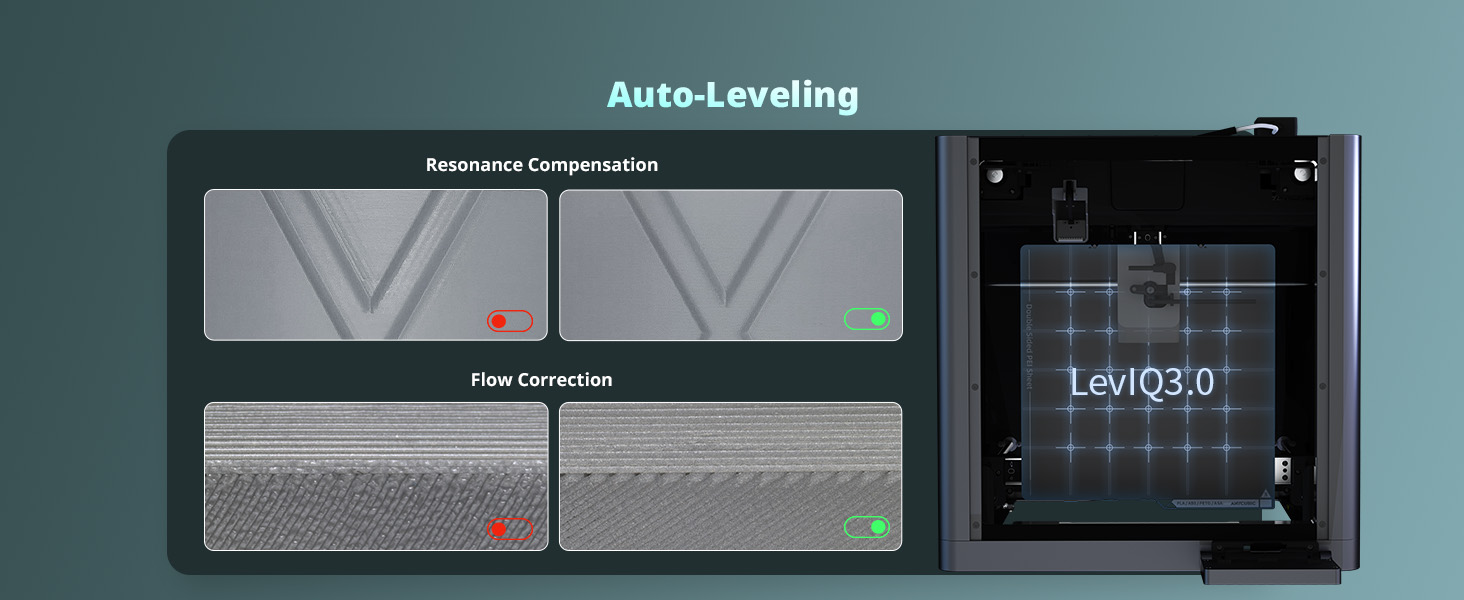
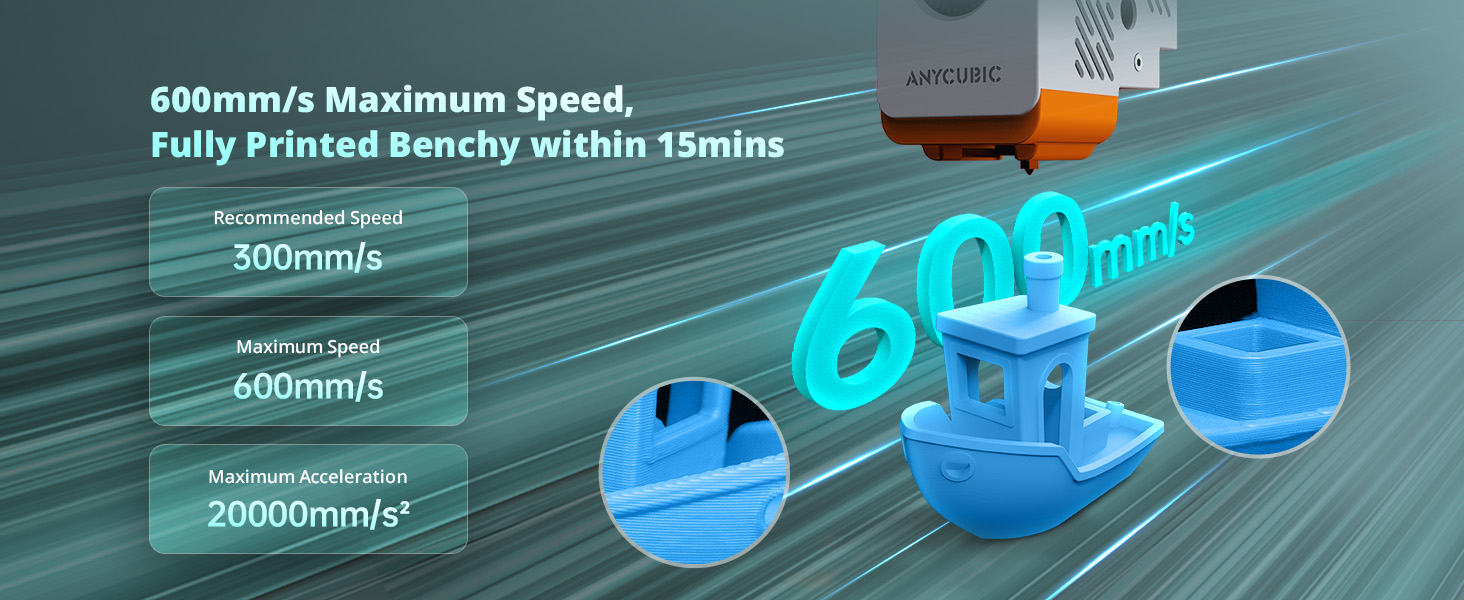
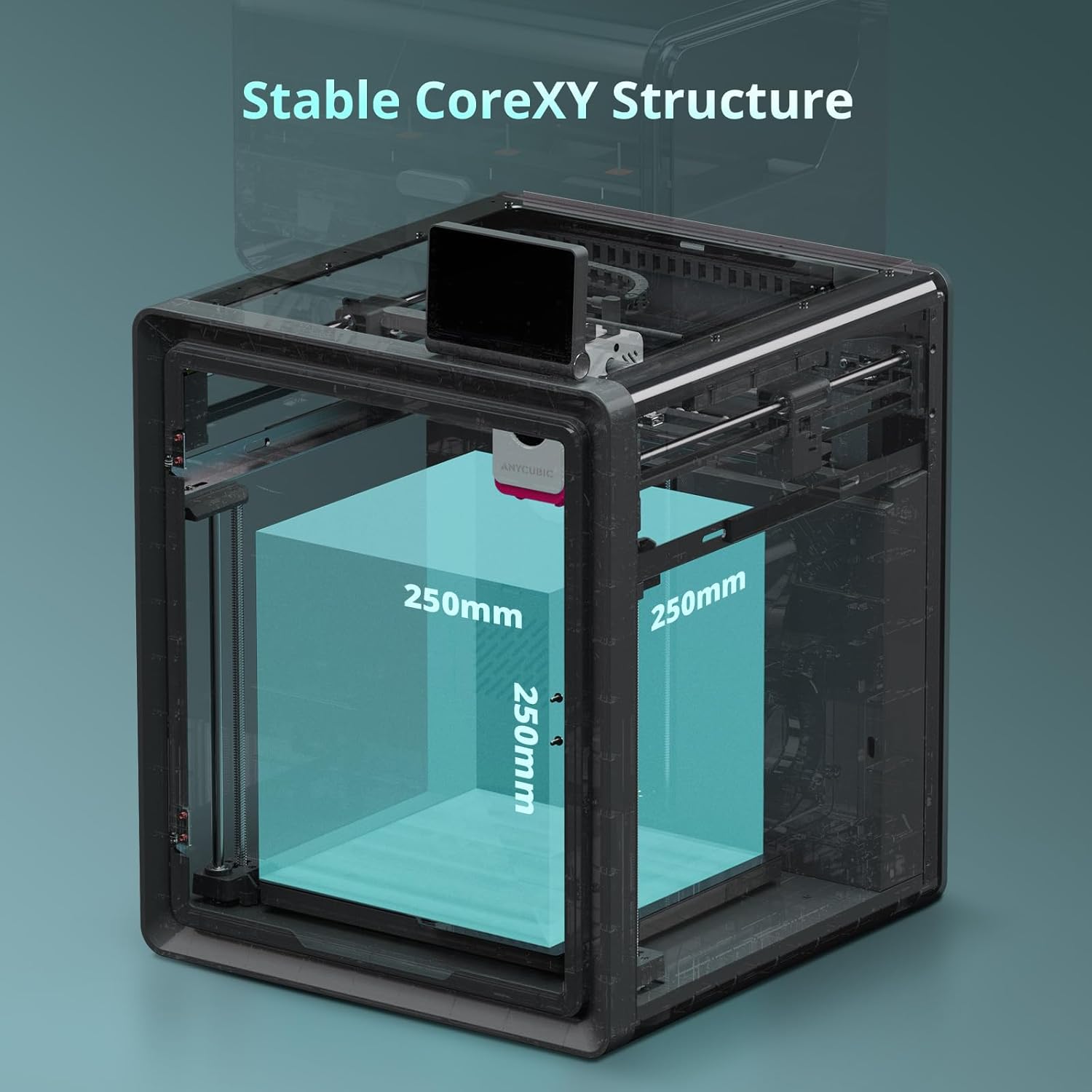
1 Core XY Structure
2 Auto-Leveling
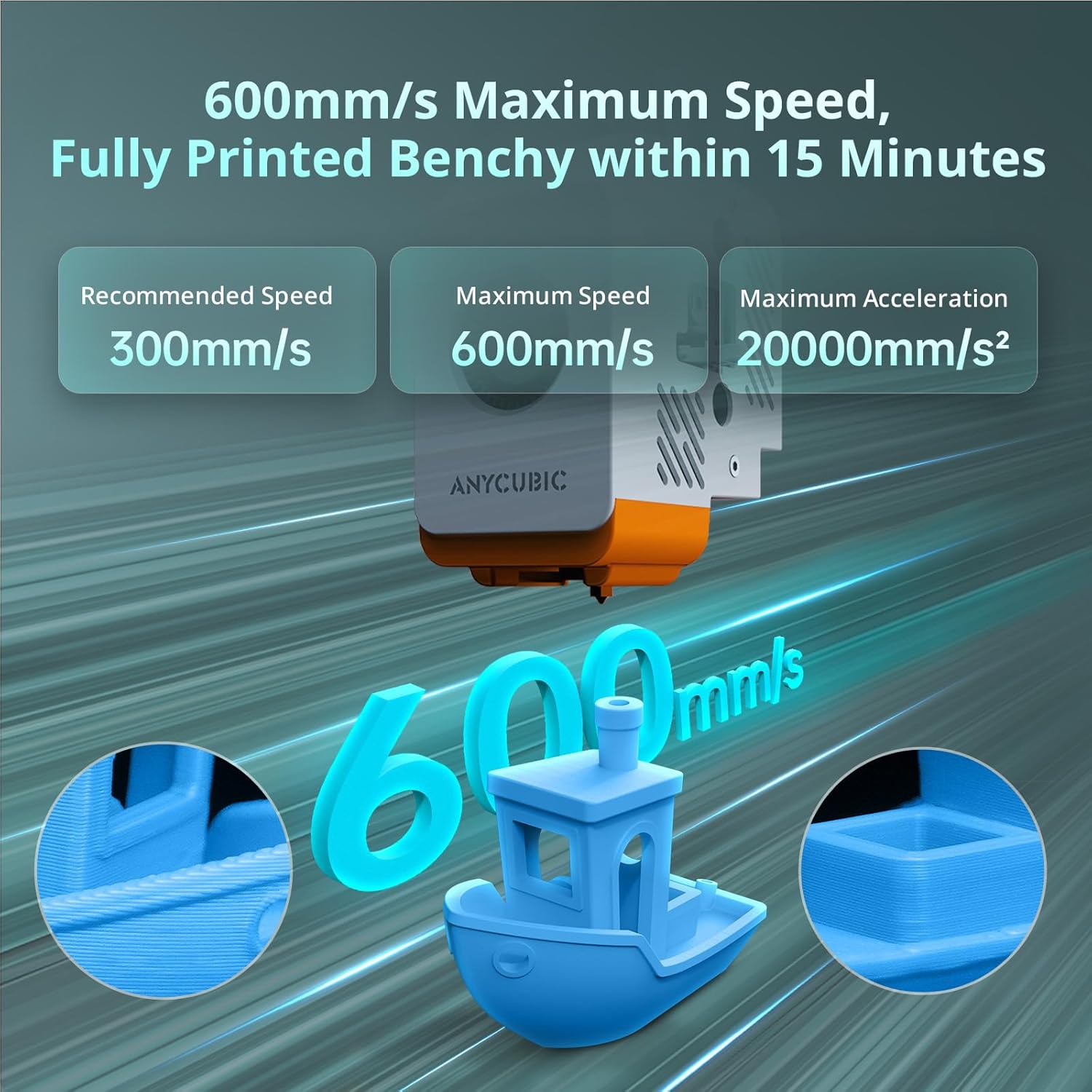
3 600mm/s Maximus Speed
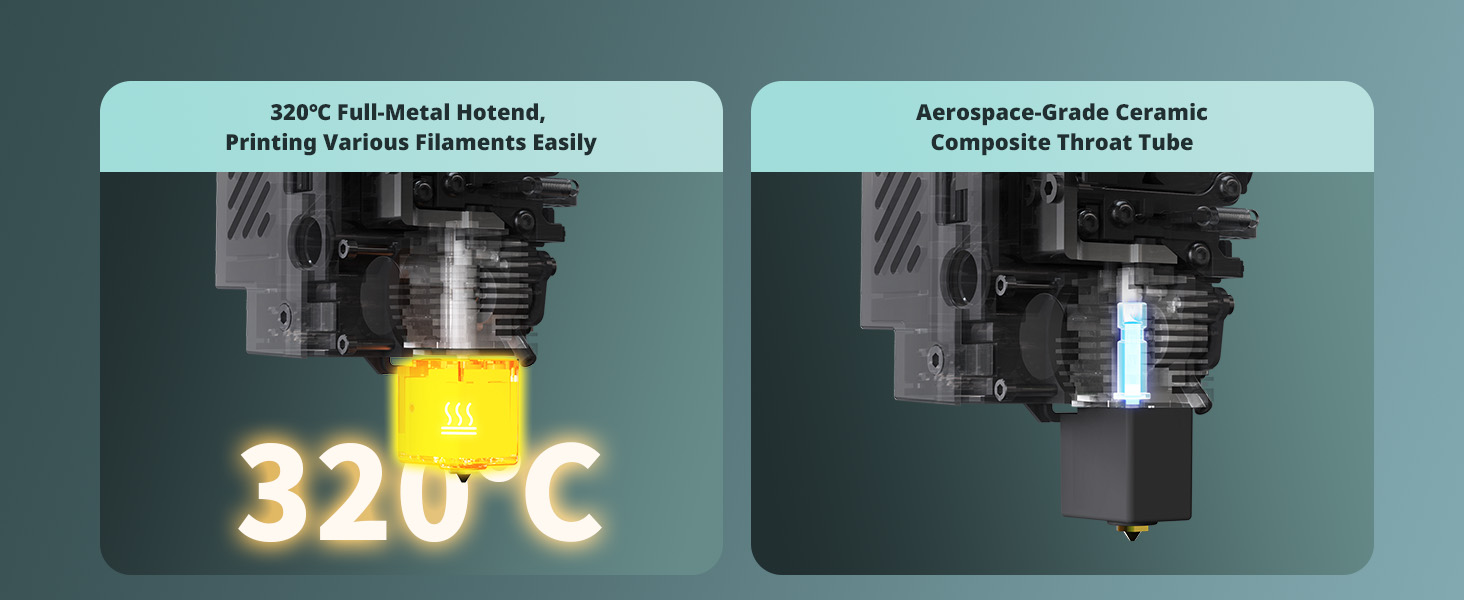
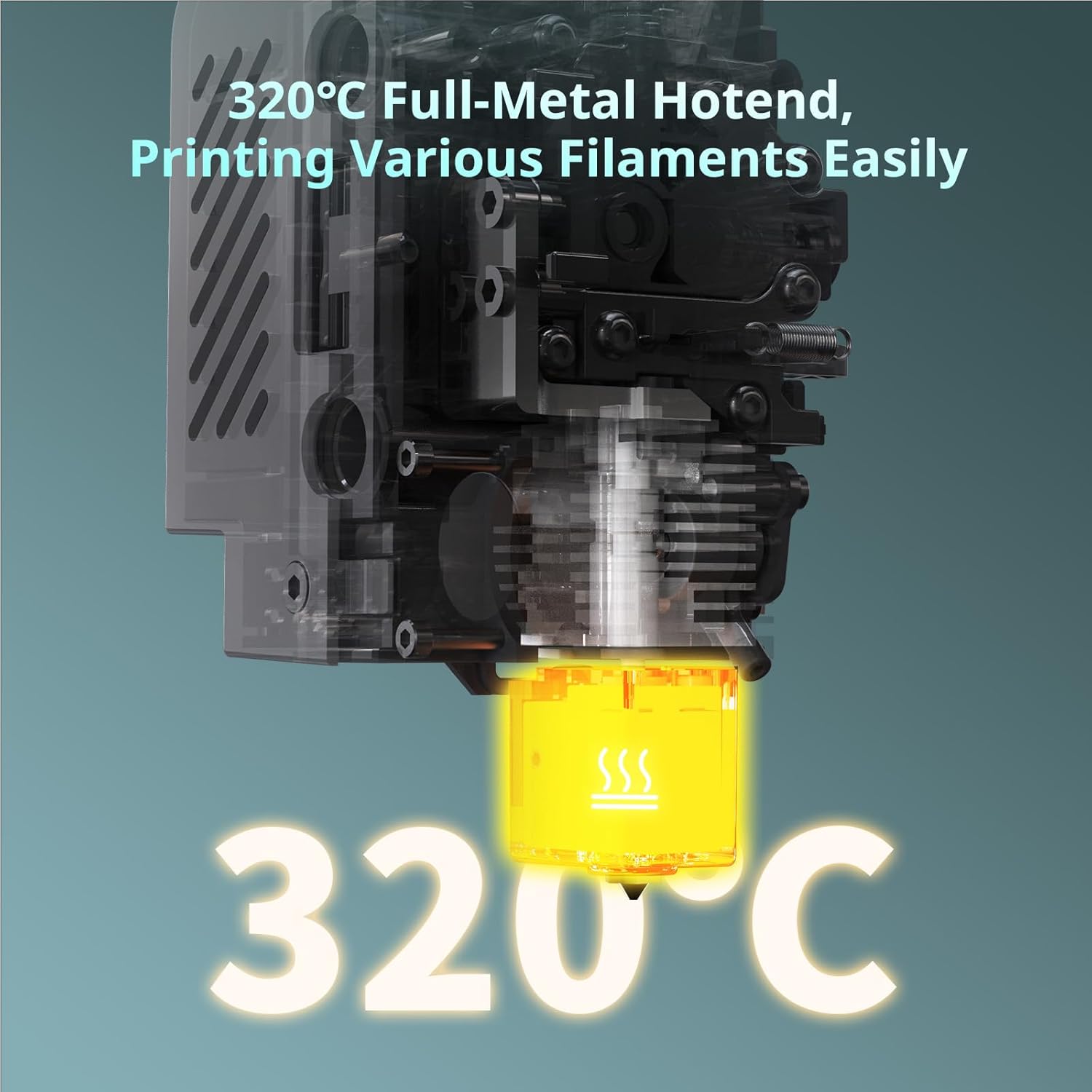
1 320℃ Metal Hotend
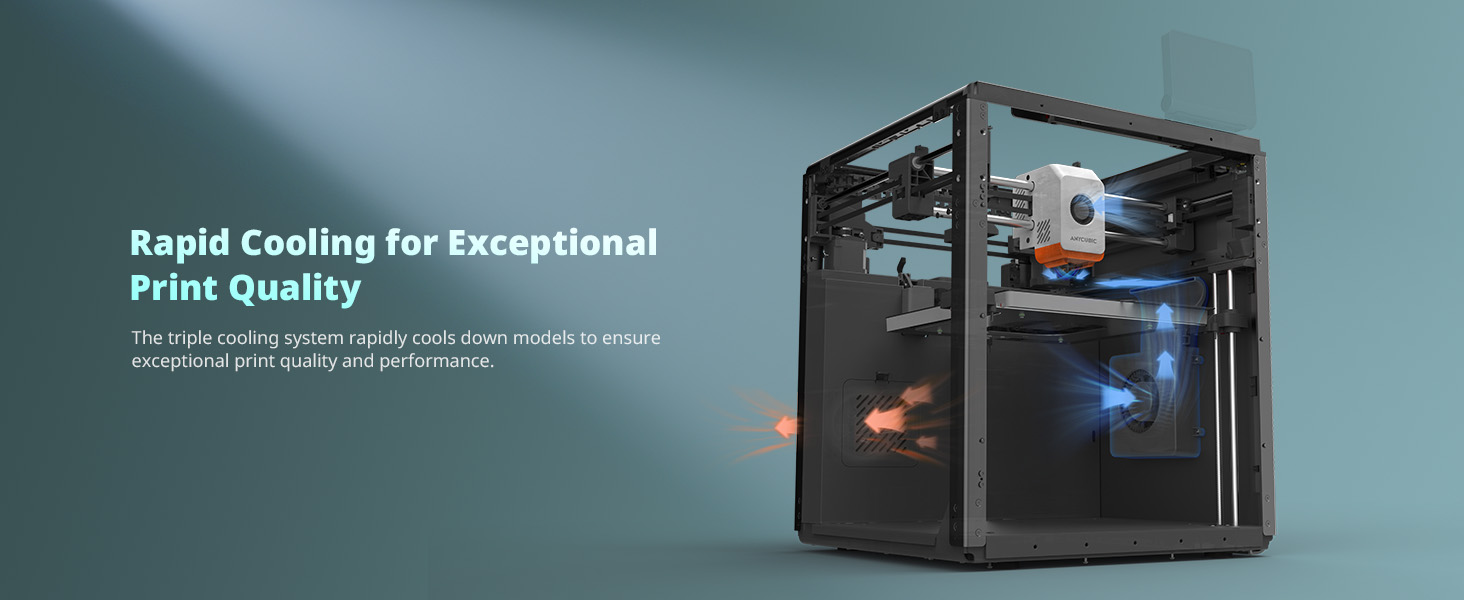
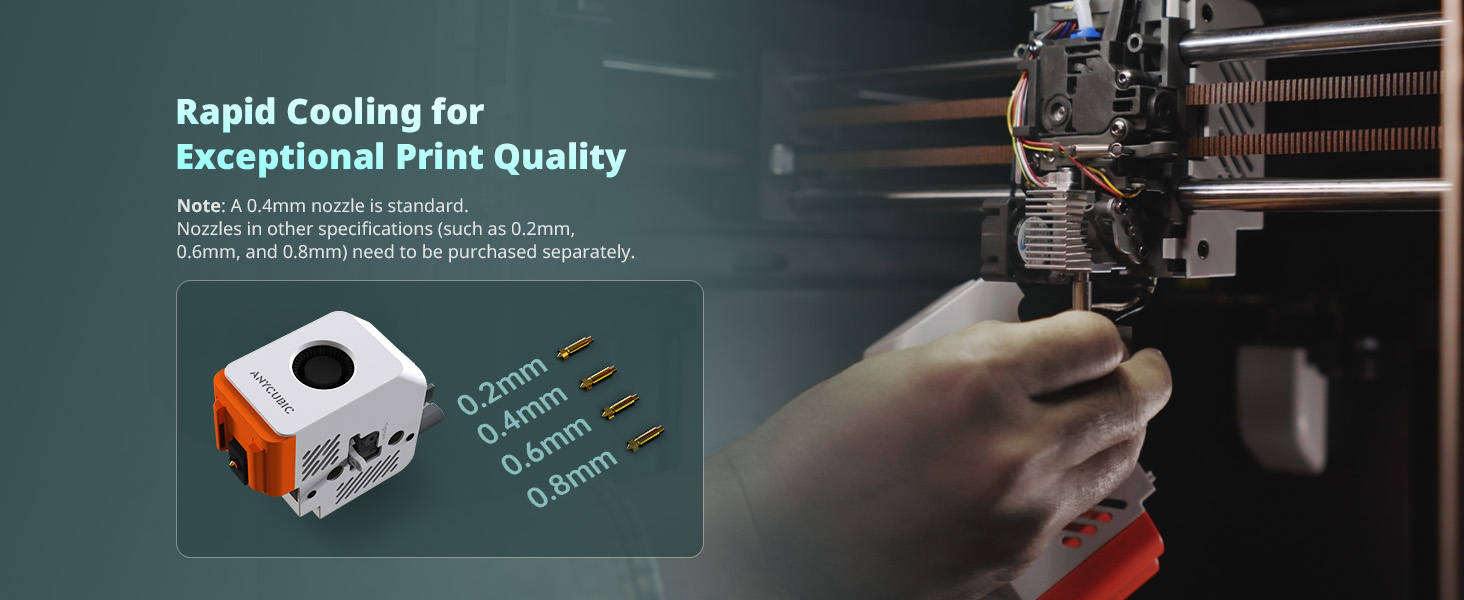
2 Rapid Cooling
3 Easy Hotend Disassembly
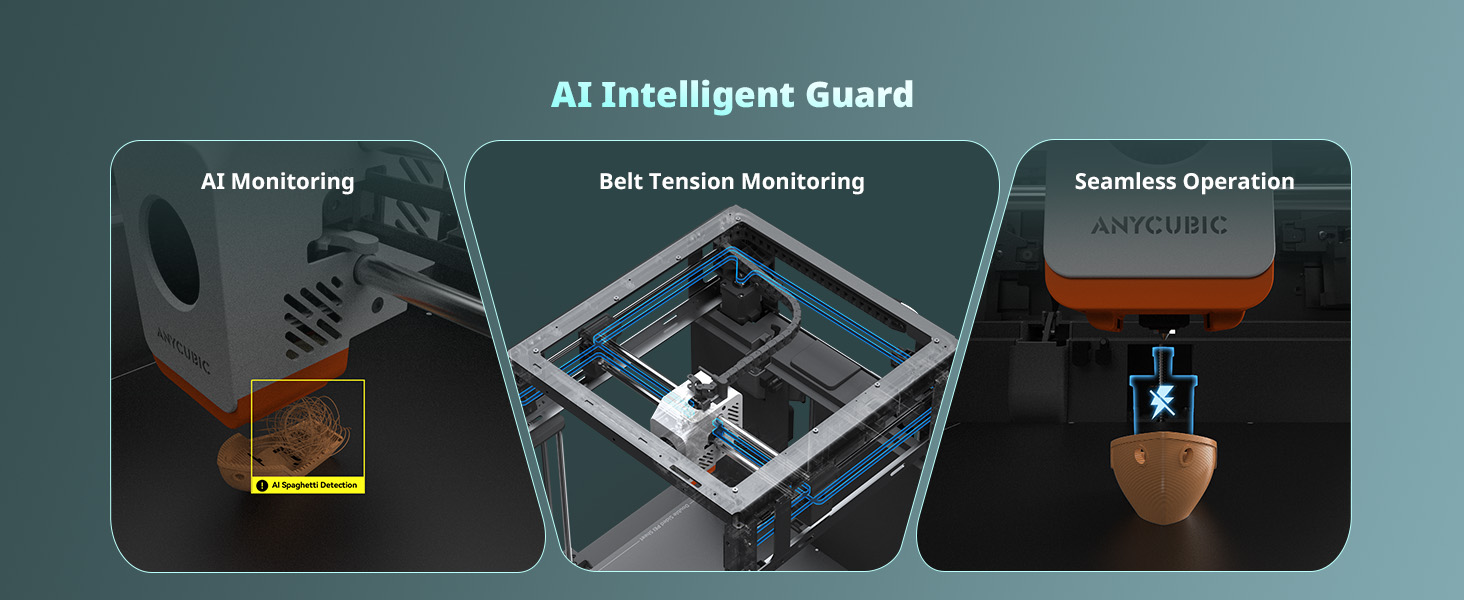
4 AI Intelligent Guard
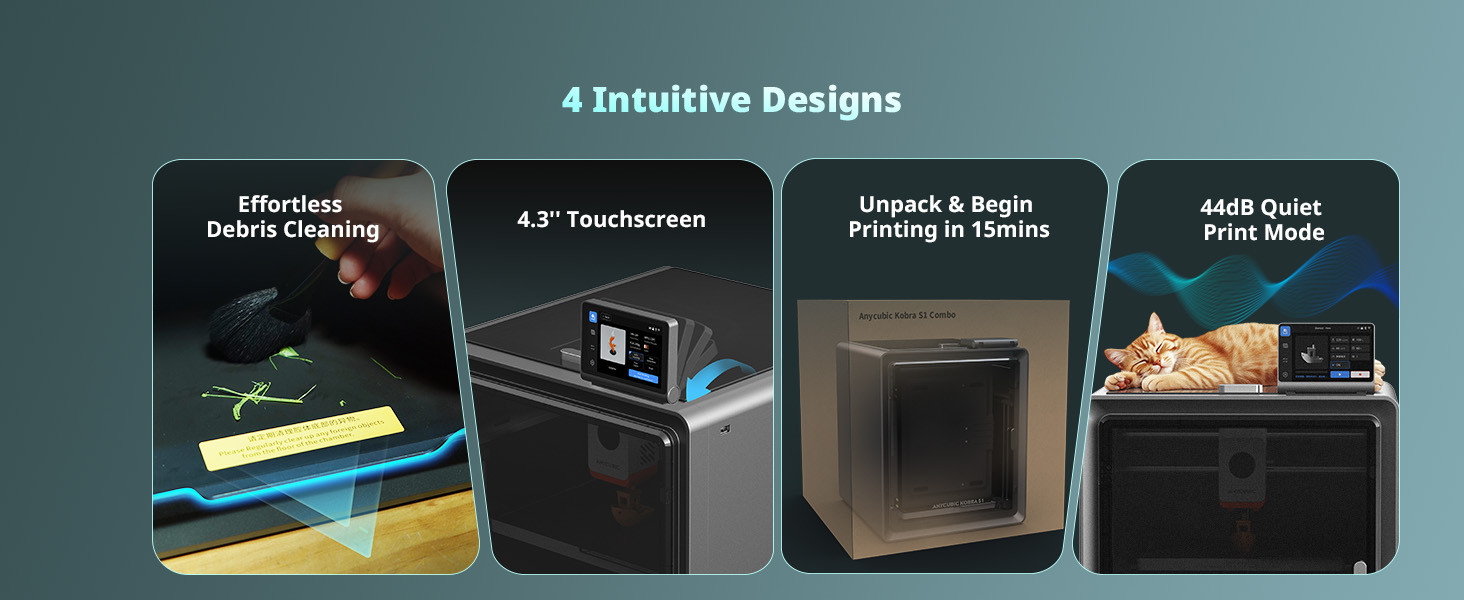
5 4 Intuitive Designs
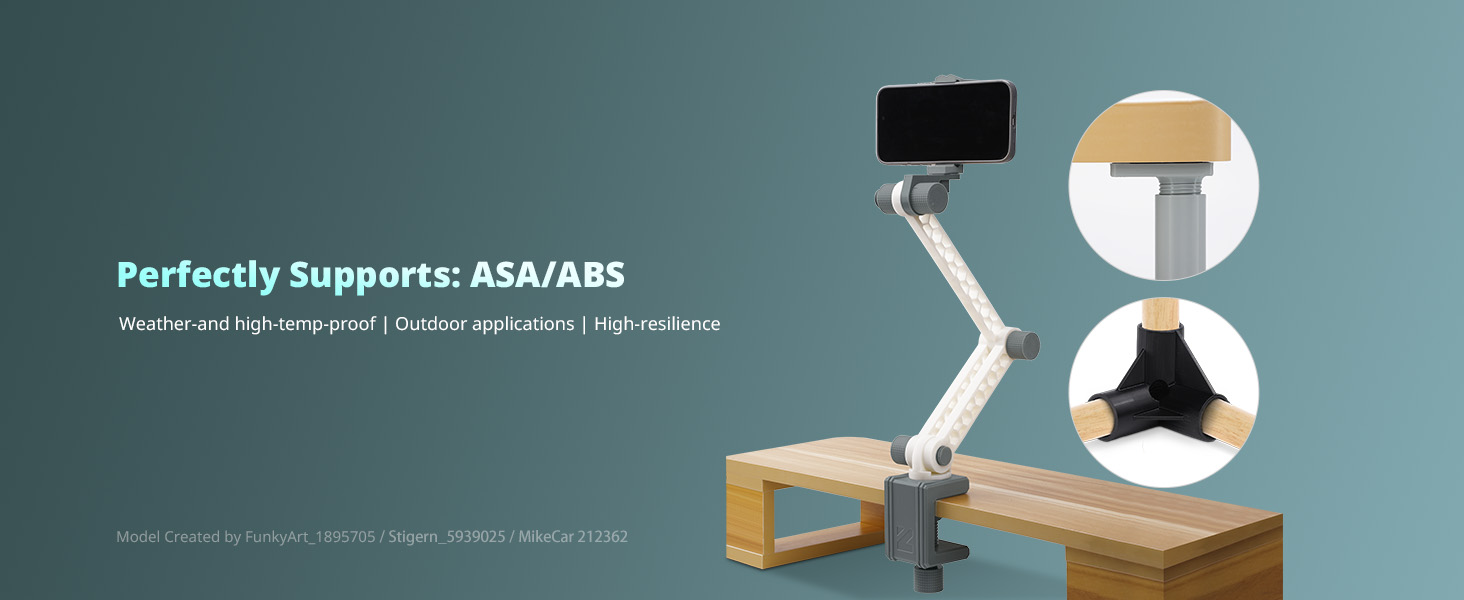
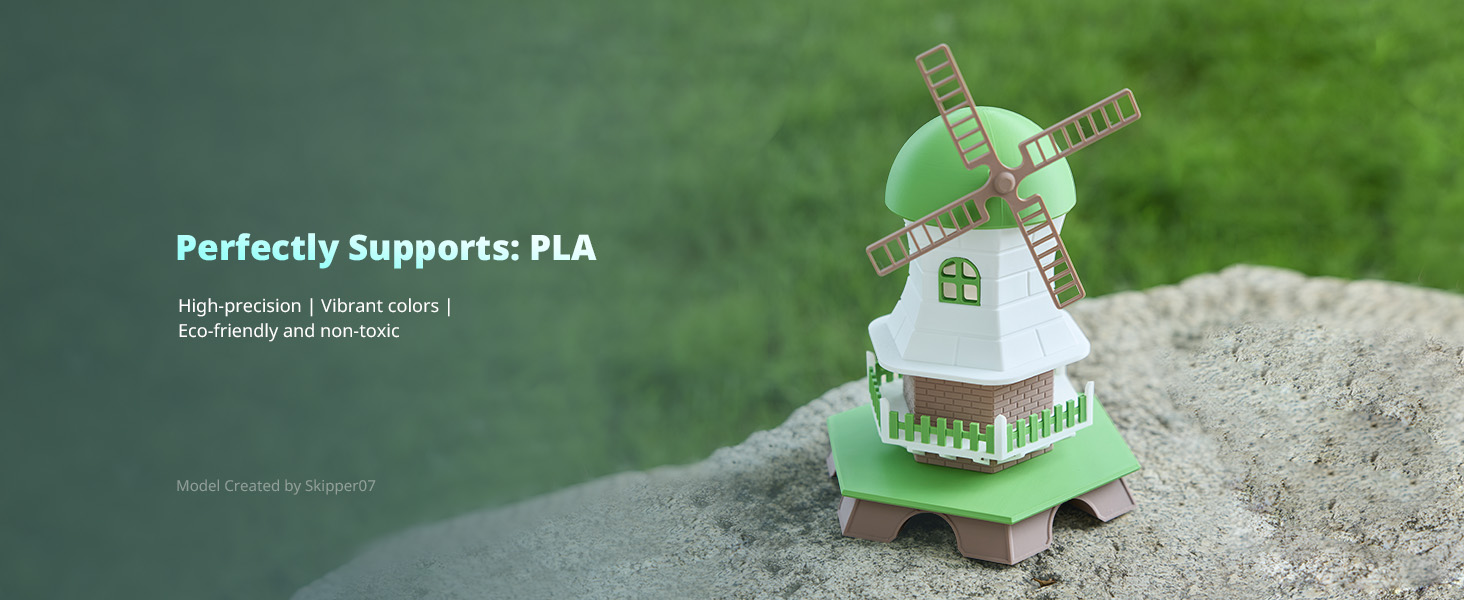
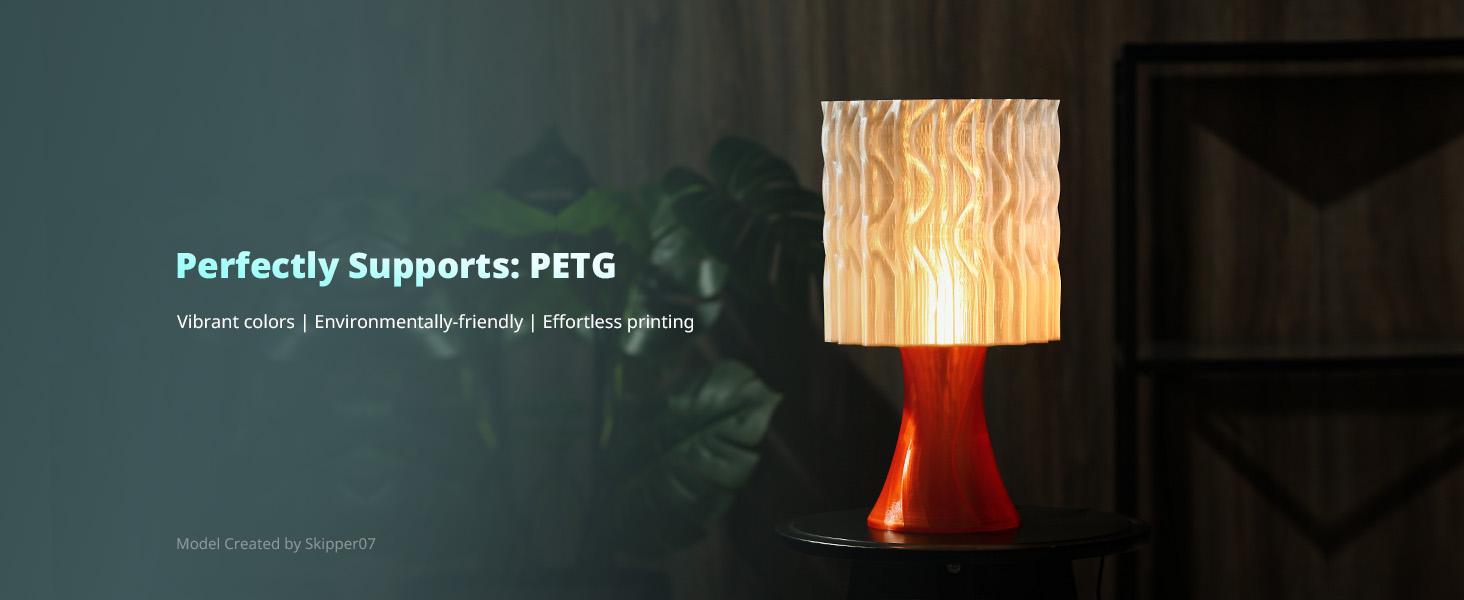
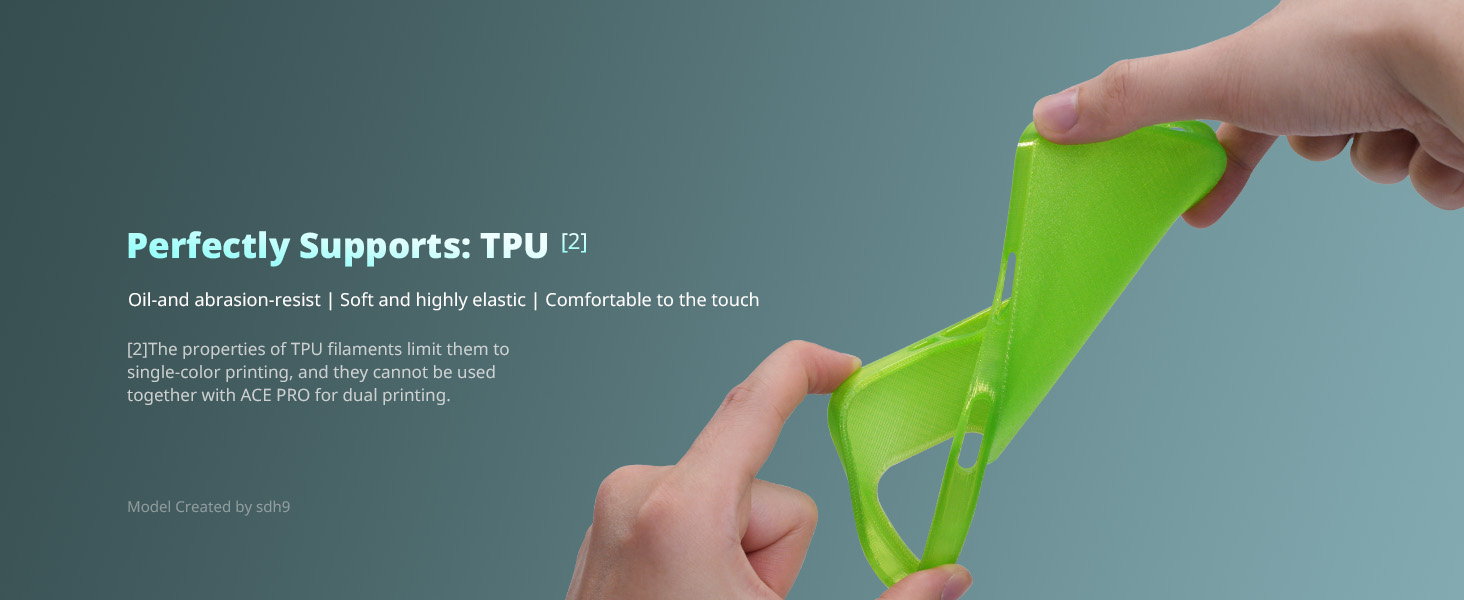
1 Model Display
2 Model Display
3 Model Display
4 Model Display
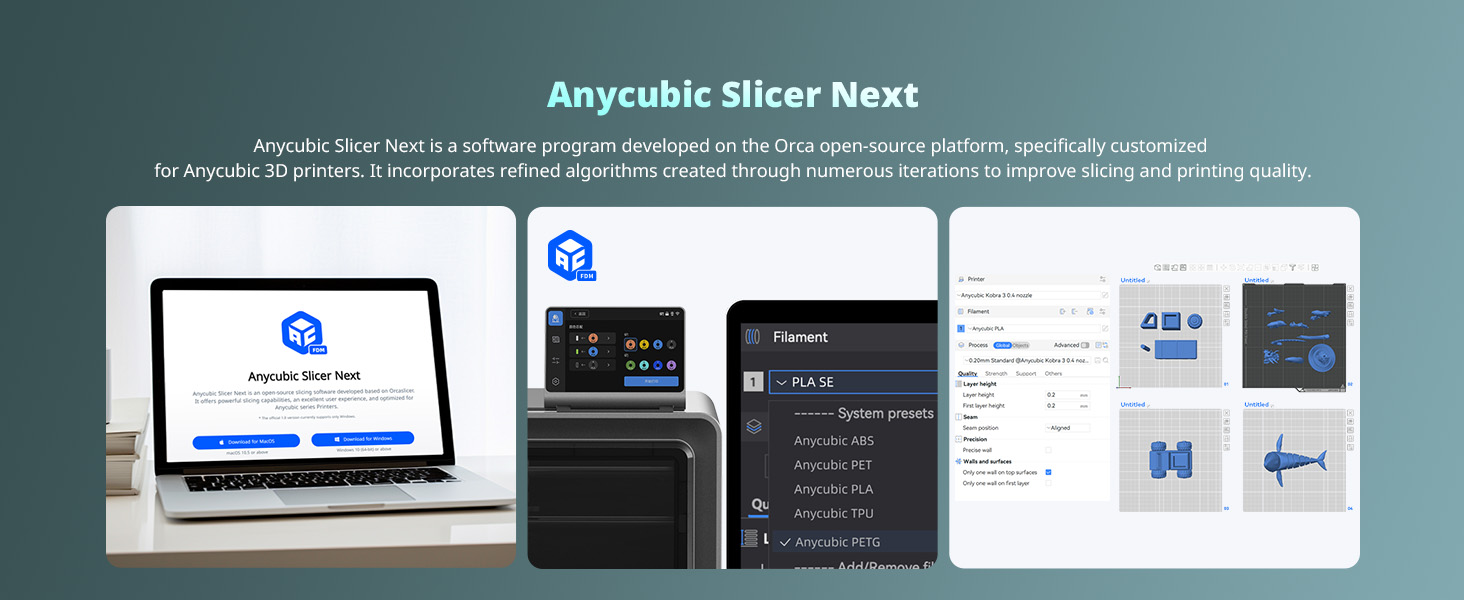
1 Anycubic Slicer Next
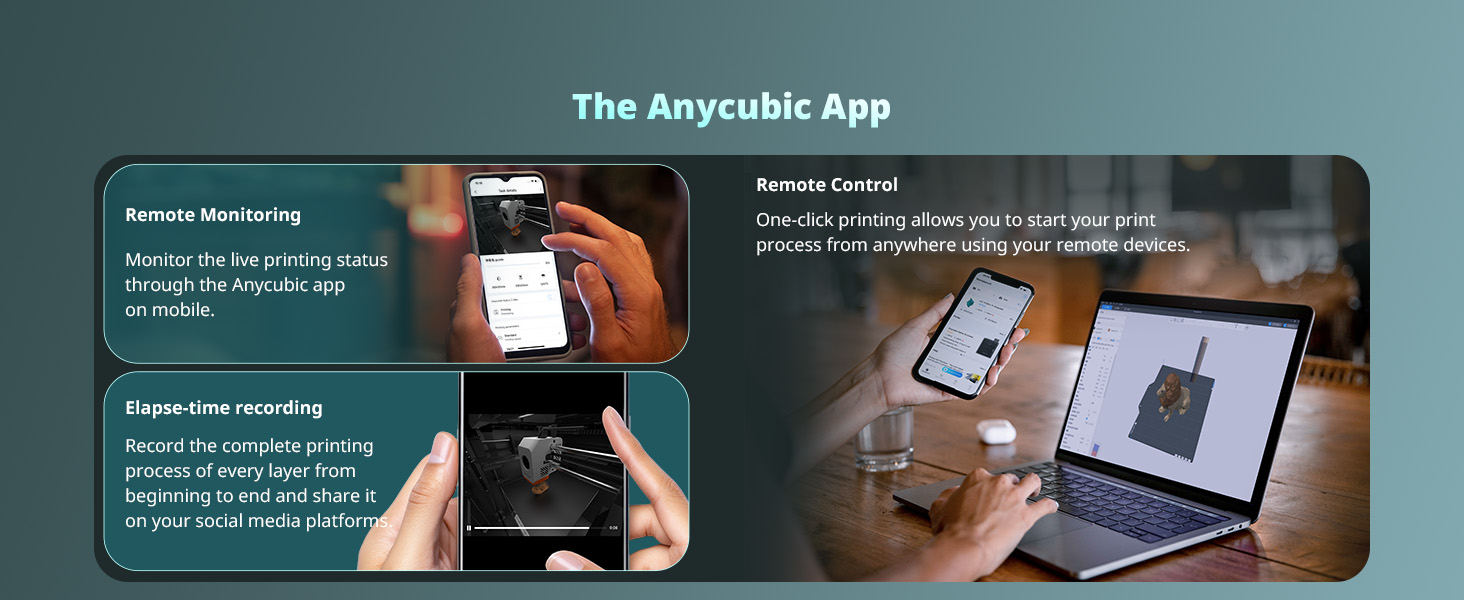
2 Anycubic App
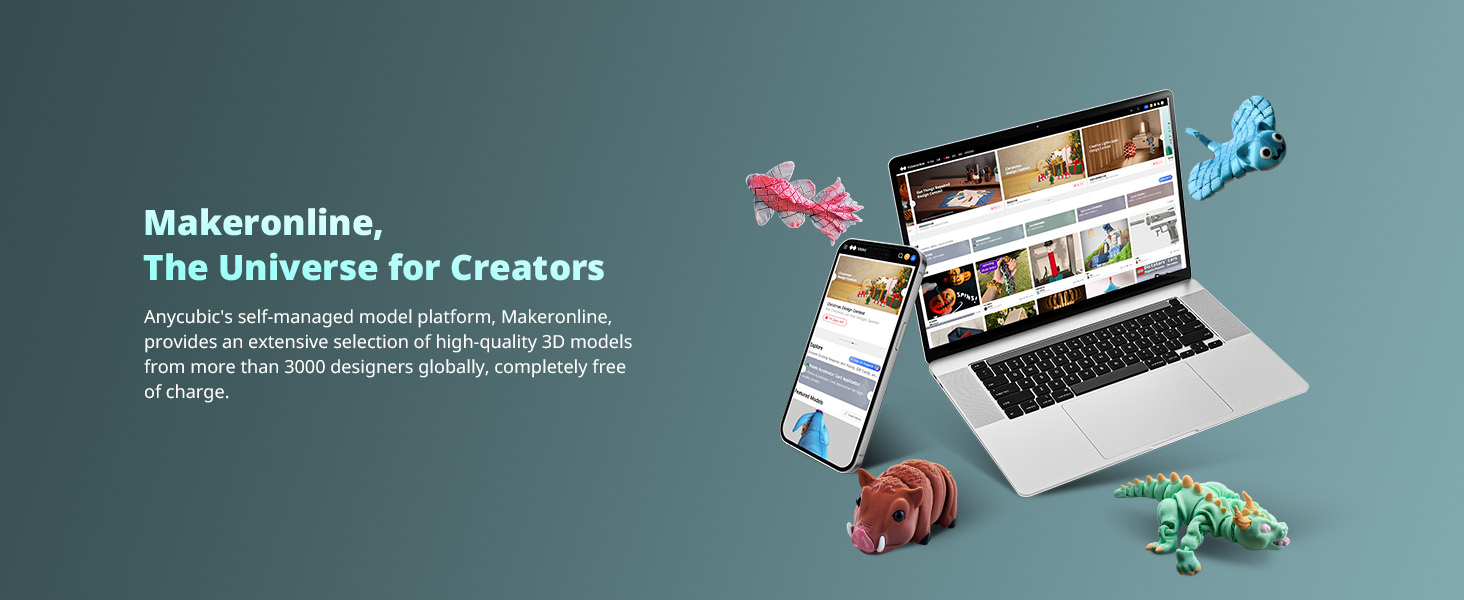
3 Makeronline
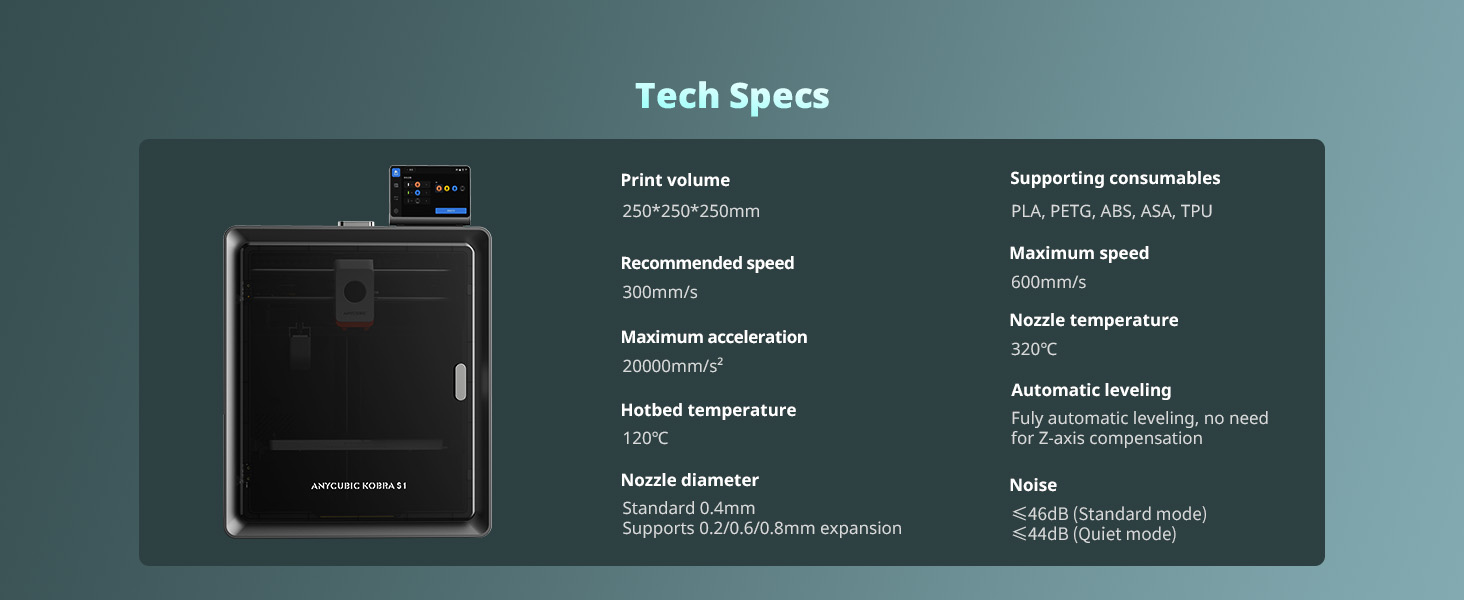
4 Tech Specs
3D Printer and Filament Recommended by Anycubic
Add to Cart
Add to Cart
Add to Cart
Add to Cart
Customer Reviews
3.4 out of 5 stars 170
3.9 out of 5 stars 629
4.4 out of 5 stars 43
4.2 out of 5 stars 73
3.6 out of 5 stars 18
4.6 out of 5 stars 816
4.4 out of 5 stars 5,761
Price
$469.99$469.99
$359.99$359.99
$279.99$279.99
$379.99$379.99
$599.99$599.99
$20.99$20.99
$59.99$59.99
Build Volume:
9.8” x 9.8” x 9.8”
9.8” x 9.8” x 9.8”
10.0” x 10.0” x 10.2”
10.0” x 10.0” x 10.2”
16.5” x 16.5” x 19.7”
Blue Green Purple
Black + White + Grey + Red
Printing Speed:
<600mm/s (Recommended 300)
<600mm/s (Recommended 300)
<600mm/s (Recommended 300)
<600mm/s (Recommended 300)
<600mm/s (Recommended 300)
Silk PLA
PLA
Multi Color Printing:
Support
Support Needs ACE Pro
Support Needs ACE Pro
Support
Support
/
/
Fully Enclosed:
Yes
Yes
No
No
No
/
/
Materials:
PLA, PETG, ABS, ASA
PLA, PETG, ABS, ASA, TPU
PLA, PETG, TPU
PLA, PETG, TPU
PLA, PETG, TPU
/
/
Leveling Type:
Auot Leveling Smart Z-offset
Auot Leveling Smart Z-offset
Auot Leveling Smart Z-offset
Auot Leveling Smart Z-offset
Auot Leveling Smart Z-offset
/
/
【Vibrant Multi-Color Printing】With 4-color printing, Anycubic ACE PRO delivers stunningly vibrant and vivid prints. When two Anycubic Ace Pros are combined, you can then unleash eight-color printing to bring you even more unimaginable possibilities
【Unrivalled Printing Speed】Printing at an astonishing Max 600mm/s and 20,000 mm/s² acceleration, Anycubic Kobra S1 Combo 3D Printer effortlessly delivers superior accuracy and detail so you can print up to 12 times faster than regular FDM printers
【Efficient Filament Drying】Dual PTC heating module + 360° hot air circulation drying technology ensures even heating of the filaments, keeping the them in optimal printing condition at all times to create the perfect model
【Superior Printing Precision】Anycubic Kobra OS ensures consistently smooth and natural surfaces with flow compensation feature. With reduced virtual waste and minimized material overflow, precision is at its best
【Convenient App Remote Control】Start your print process anytime, anywhere with just one click using your remote devices with the Anycubic App. Multi-plate document parsing is also supported for intricate designs
3 reviews for Anycubic Kobra S1 Combo Multi-Color 3D Printer, Fast 600mm/s Printing Auto Leveling with Auto Calibration Anycubic App One-Click Printing 250 x250x250mm Build Size
Add a review

$469.99
Larry Brown –
Best multicolor printer on the market for the price.
This printer performs just as well and just as reliably as printers much more expensive. I have not had a bad print and I have several thousand hours in less than a year. I did have to replace a fan that went out but (my own fault for not watching the video they recommended before changing the hot end), but support was awesome and sent out a replacement part and a step by step instructions along with a detailed video showing how to replace the part. I really love this printer. This is truly a plug and play printer that produces high quality prints at up to 600mm/s. Everything about this printer is excellent, the inner light, the time lapse camera, auto-level, and the ACE pro unit that also dries filament. That is what really sets this machine apart from the others in my opinion. And again it is hands down the best multicolor printer option on the market in an affordable price range. I highly recommend this printer for all skill levels from beginner to professional creators. Seller shipped as soon as my order was confirmed and the Item arrived undamaged and works as intended.
Joshua Zvirzdys –
Errors, errors, errors
Worked great for a week and then started throwing errors left and right. Issues started once I tried to do a print that would finish a spool off and transfer to another spool of PLA. Printer kept throwing errors like abnormal extrusion and system errors. I followed the wiki on how to properly clean the nozzle. That didn’t fix it. I followed the wiki on a more extensive cleaning. That fixed it the extruder errors. I made sure the cables were all connected and it started to print like normal again. I did a test print and had no issues. Started a longer print and it kept giving a system error 10414 or something like that. Telling me to reboot. I did this twice. Resumed printing. The second time, the printer just stopped in the middle of printing. No noise no error the screen still showed the print stuff but nothing worked on the panel. The light had even turned off on the printer and the fans had completely turned off. I turned the printer off for a third time. I resumed the print and it must’ve forgot the level it was on because it started dragging across the print in a bumping motion I immediately canceled the print. Ran a full calibration, following a test print. Getting 10414 again. Going to follow the wiki guide for solving this to check on firmware updates and cables again. Definitely annoying to run into these issues within one week of purchase.Also, the Ace feeder. One of the ports on it has a weird thing where if the filament sometimes comes out through a seam in the plastic back into the compartment the spools are in, instead of funneling into the Teflon tube. I’ve basically given up on that port because it keeps causing errors in the prints every time I’ve tried to use that port.For the first week it was great. I was super impressed and happy with it. The print quality was great. I was only using ports 1 and 2 on the ace and had full spools to start with. The larger chamber size was awesome because I could make bigger prints. The ace feeder was great because i didn’t have to manually change a single spool like my other printer.But having to spend 4 hours to rebuild the enter print head section and the constant errors is really turning me off. Was contemplating getting a second one before this happened. Kind of happy I didn’t right now.If I can resolve these issues I’ll update my review but for now I wouldn’t recommend.Updated 12-12-25:Struggled with the product over thanksgiving. Getting constant errors and resuming prints started on the wrong level. I followed a few additional guides on trying to fix this. Eventually the product worked again without an issues for about a week. Out of nowhere it’s getting constant errors every print again. Printing the same object using the same brand filament. I wish I refunded this when I had the chance. It’s been a nightmare coming back from work with projects that got to 5% and went to error. Tons of wasted filament. Would never recommend.
SV –
3.5 stars out of 5 because I had to return the first one
I really want to love this 3D printer I really do. I’ve printed over a hundred things now and this one (my second one) seems to be holding up well. As I mentioned this is my second Anycubic Kobra S1, my first one had a catestrophic clog on day 3 so it was exchanged. This is my first (or second) experience with my own 3D printer and I purchased it purely for hobby printing. I have a friend who has a Bambu P1S and an H2C, and I’ve messed around with the H2C a bit but I can’t really compare as I have a lot more experience with the Kobra S1 at this point.Where this printer really shines:- Value for the money: the price for this printer with the ACE Pro (especially on sale) is very hard to beat.- Ease of use: very beginner friendly, even initial setup is very intuitive.- Speed: the speed does leave a bit to be desired, but for a hobbiest it’s better than expected.- Camera: it’s a really nice touch to be able to look in on your prints from the Anycubic slicer app, although the camera quality isn’t amazing.- Anycubic Slicer: the slicer is a fork of the Orca slicer so it’s very easy to look up how to use certain features online.- Size: the print bed size is pretty impressive, you can print some pretty large prints with ease.- Automatic features: bed leveling, resonance, filament drying, and ai detection are all automatic features you can run from the app.- Cover: this is a fully enclosed printer, which is a steal at the sale price.Now for the cons:- Noise level: it’s not loud but it’s not quiet either. The print head motors almost make a beeping sound when it moves, after a while it’s easy to forget you are hearing it but you can definitely hear it.- Online 3D model support: the included 3D model site isn’t the best, but with the help of a quick online search you can find plenty of free or low cost medels to download then manipulate in the Anycubic slicer.- Printer section in the slicer: so this drive me absolutely nuts until I figured out what was going on. In the provided slicer when you open a 3D object from the online site it will default to certain printers like say the S3. If you save a project and try and print it later from the app, it won’t let you and if you e already delete the file you have to start all over. This isn’t the end of the world but definitely a learning curve situation.- Print bed object detection: I really wish there was better AI or some sort of object detection in place to check if something is on the bed before you print. I left a prime tower that I didn’t see on the print bed a it knocked my print head cover off. Total rookie move but this could be solved by some sort of detection system.- Print bed adhesion: I’ve had a few prints that were having issues sticking to the print bed which lead to wasted time and filament. I’m thinking this is part of the learning process as some of this has been solved by adding a skirt to the model, which I originally didn’t have experience with. A few other times this wasn’t the issue and I had to cancel and reprint and for whatever reason it came out fine the second time.- ACE Pro rack: I wish there was an included Ace pro rack to have the ACE Pro on top but still have access to the top panel in order to remove it. I’d also like a rack that would allow you to stack the ACE Pro units so you can run 8 colors and have the printer and ACE units stacked without damaging anything.Aside from these very few cons, I think this printer has a lot of potential. This would be a 5 star printer if my first one wouldn’t have had such a bad clog on day 3. I even tried to troubleshoot this issue but after a solid day of online research and tinkering with the print head I decided it wasn’t worth the time and requested an exchange. This second unit has been working much better, so much so that I’m in the process of saving up for the Kobra 3 V2 combo so I can hook both ACE Pros up to the S1 and then have the 3 V2 to run single colors. Ultimately I think time will tell how good this printer really is or isn’t but I’d say so far this is about a 3.5 star printer and that is including my experience with the first one.I think this is a great printer to learn on especially if you can get the combo on sale like I did, but without the sale price I think I’d honestly go a different route.